
Shoply AI FAQs & Setup Guides
Learn how to set up and customize Shoply AI for Shopify and other website stores, from chat and search styling to data, integrations, and multilingual support.

AI Chat
How to Customize Your Chatbot’s Appearance
Learn how to personalize your Shoply AI Chatbot's appearance, chat window design, and messaging experience to match your brand. This guide covers chat icon customization, color themes, window settings, and predefined messages.
AI Search
How to Customize AI Search Appearance
Customize Shoply AI Search with built-in admin controls and interactive previews for summaries, filters, product buttons, colors, and layout. Use CSS for further styling.
Privacy & Data
What Information Does Shoply Use to Answer Customer Questions?
Understand what information Shoply uses from your store to answer customer questions, including products, order information, home page content, policies, pages, and blogs. Learn about privacy and data usage.
AI Chat
How to Open the Chat Window with a Link
Learn how to open the Shoply AI chat window using deep links without editing theme code, or by adding code to your theme template. Includes examples for buttons, icons, and how to hide the floating icon.
AI Search
How to Control Which Product Metafields Shoply Can Use
Learn how to blacklist product metafields and control display settings like hiding discounts, prices, and reviews in Advanced Settings.
AI Chat
How Shoply Detects Languages and Translates Chat and Search
Learn how Shoply AI automatically detects and responds in your customers' preferred language. Understand language detection from browser settings, URL codes, saved preferences, and how we remember customer language choices.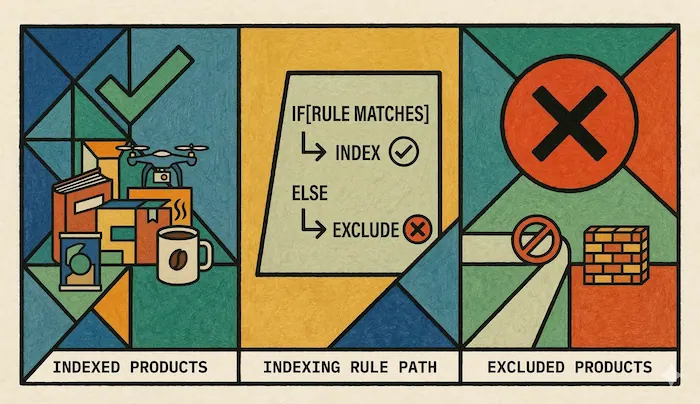
AI Search
Which Products Does Shoply Index, and How Can I Exclude Them?
Learn which products Shoply AI indexes by default and the different ways to exclude specific products from indexing, including by status, SEO metafield, the shoply.no_index metafield, tags, and free product filtering.
AI Chat
How to Restrict Chatbot Access by Country
Learn how to control which countries can see the Shoply AI chatbot using whitelist or blacklist mode in Advanced Settings. Supports country-level access control via ISO country codes.
AI Chat
How to Configure Advanced Settings in Shoply AI
Configure multiple-warehouse inventory availability and the number of products shown per chatbot recommendation in Shoply AI Advanced Settings.AI Search
Advanced Settings for AI Search
Configure option swatches, AI relevance checking, product-tag indexing, and search filters in Shoply AI. Learn which settings also affect chat product results.AI Search
How to Set Up In-Store Pickup in AI Search
Let shoppers pick their store on your search page and see In Stock, Low Stock or Out of Stock on every product. List your stores in Shoply AI Advanced Settings.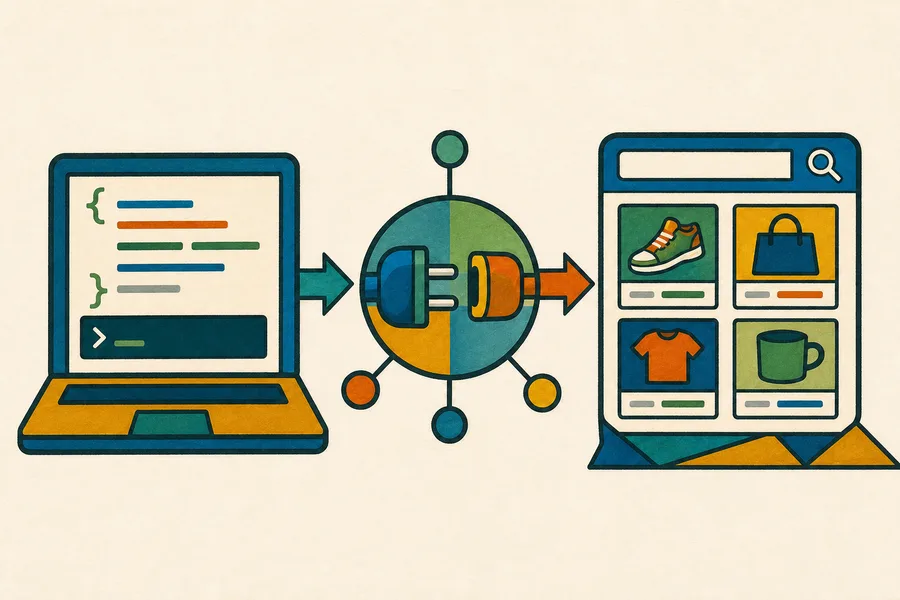
AI Search
How to Use the Shoply AI Search API
Learn how to query Shoply AI Search programmatically from your own backend, including plan availability, request fields, working cURL, JavaScript, and Python examples, response data, pagination, filters and sorting, loading filters separately with the search_display_filters endpoint, and error codes.
APIs & Chat Links
How to Use the Shoply Merchant API
Create a store-owner API secret and use Shoply's Merchant API to manage AI knowledge, run private reports, review conversations, and build business integrations with Python.APIs & Chat Links
How to Upload Your Catalog for SiteChat
Use Shoply's SiteChat product APIs to upload catalog products and images with your store-owner API secret, then verify imported records before they appear in chat and search.
Knowledge & Personality
How to Teach Shoply About Your Store
Add typed knowledge, files, store pages, and external sources, then check that Shoply answers customer questions correctly.
Knowledge & Personality
How to Customize Your AI's Personality
Set chatbot tone and instructions, customize AI Search summaries, and test responses with practical examples.
Live Chat
How to Set Up Live Chat and Add Your Team
Add agents, configure escalation notifications and available hours, and test customer requests for human support.
Analytics
How to Read Analytics and Chat History
Understand activity reports, review customer conversations and searches, export data, and check history retention.
Setup
Why Isn't Shoply Showing on My Website?
Troubleshoot Shopify theme activation, website installation, and chatbot visibility with a step-by-step checklist.
AI Search
Why Is a Product Missing from Search Results?
Check product eligibility, catalog updates, filters, availability, and relevance before changing search settings.
AI Search
How Does Shoply AI Handle Currencies on Shopify?
Learn how Shoply gets country-specific prices from Shopify and uses market settings, cart currency, and storefront URLs.
Setup