
Published · Updated
How to Configure Advanced Settings in Shoply AI
This page covers warehouse availability and product limits in chat. For option swatches, search relevance, product-tag indexing, and filter controls, see Advanced Settings for AI Search.
Where to find Advanced Settings?
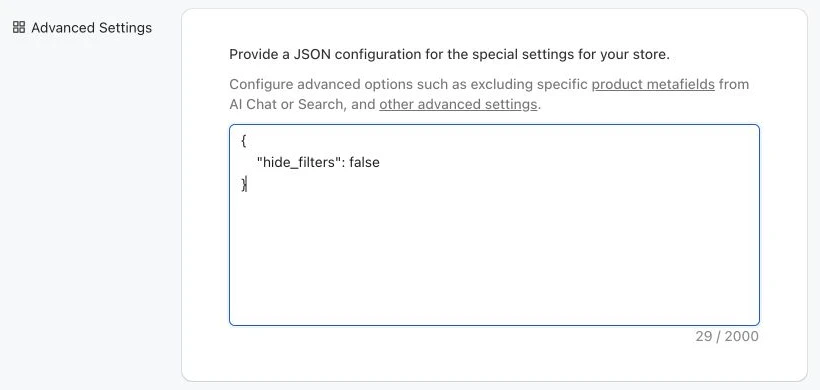
Go to the “Settings” section of the app’s admin console, and then scroll down to the “Advanced Settings” section. In this section, you can provide a JSON object to configure various settings.
For geographic access rules, see how to restrict chatbot availability by country.
Enable Multiple Warehouses
If your store ships from multiple warehouses that serve different countries or regions, you can enable multi-warehouse support. When enabled, product availability is determined by whether the warehouse responsible for the customer’s location has inventory for that product, rather than using a single global inventory status.
The Sports Basement case study shows store-level inventory in practice.
By default this is disabled, meaning all customers see the same inventory availability regardless of their location.
To enable it, add the following to your Advanced Settings JSON:
{
  "enable_multiple_warehouses": true
}
Once enabled, Shoply AI will check inventory at the relevant warehouse when determining whether a product is in stock for a given customer.
To keep specific products out of search and recommendations entirely, see which products Shoply indexes and how to exclude them.
Limit Number of Products in Chat
By default, when the AI chatbot recommends products in a conversation, it may show several results per recommendation. In a single chat session, the AI may make multiple product recommendations (e.g., suggesting running shoes, then socks). This setting controls how many products are shown per recommendation:
{
  "product_limit_in_chat": 3
}
For example, with a limit of 3, if the AI recommends both shoes and socks in a conversation, it will show up to 3 shoes and up to 3 socks. This setting only applies to the chat experience — AI Search results are not affected. If the limit is set below 4, product filters will also be hidden automatically.
To hide filters without changing the number of products shown, use the search filter visibility setting, which also applies to chat product results.