
What Your Internal Site Search Log Says About Why Shoppers Bounce: A 30-Minute Audit
 Frederick Casey Housand - May 8, 2026
Your Shopify site search log is the single most honest customer interview you have, and most operators have never opened it. In a 30-minute audit of the Search and Discovery report you can name four shopper-bounce patterns hiding in your top queries, your no-result tail, and your no-click rows.
A swimwear store I was helping last month had a hero rashguard SKU ranking on page one of Google for its category term. The on-site search was a different story. Shoppers landing from organic, clicking the search icon, and typing “rashguard” hit a zero-results page because the catalog labeled the product “swim shirt.” For weeks, the highest-intent search on the site bounced silently. The Google Analytics dashboard showed healthy organic traffic. The Shopify Search and Discovery report showed the leak. Nobody had opened it.
That mismatch is why this post exists. We have argued before that chatbot and search are the same surface ; this post is how to read the search half. The audit below runs on the report Shopify ships with the Online Store plan, costs nothing to install, and tells you exactly which words your shoppers use that your catalog does not. Four named patterns, one prioritized fix list, 30 minutes of your afternoon.
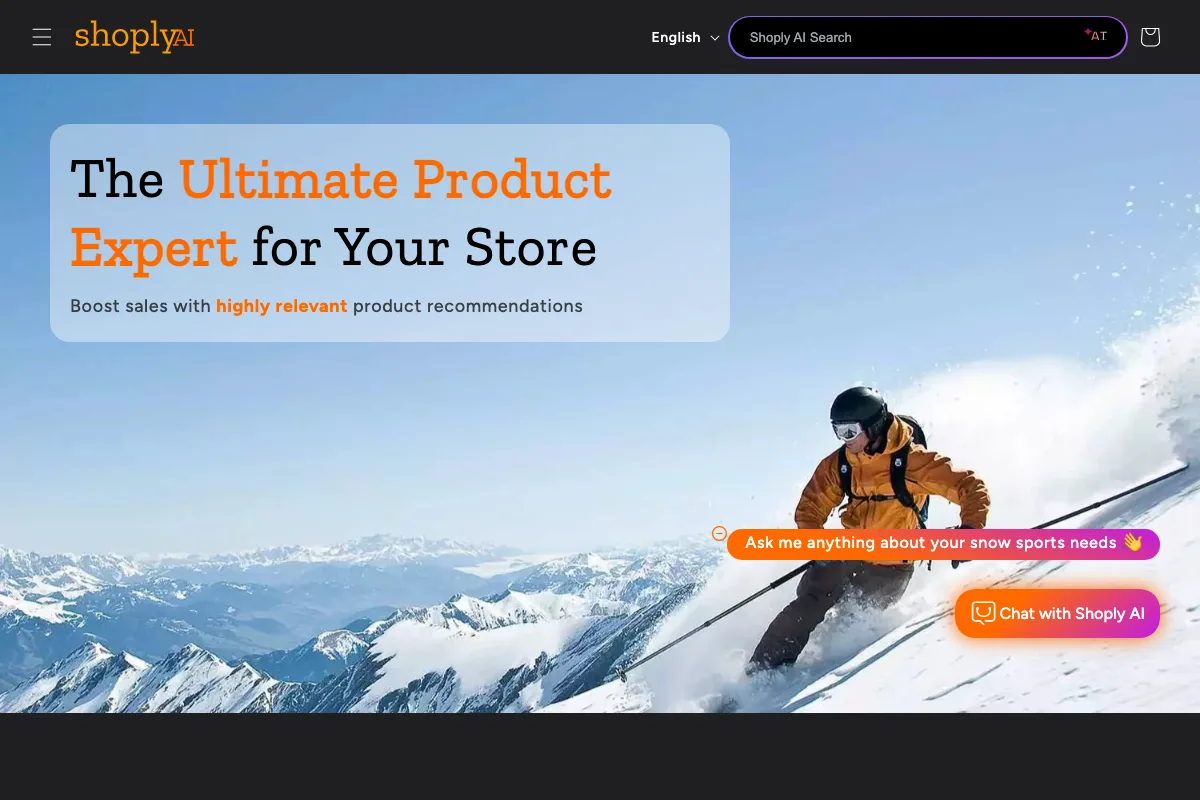
Use the queries you find here to evaluate Shoply AI Search on your own catalog.
Where the audit runs (and what it does not see)
The report lives at Shopify admin > Analytics > Search & Discovery report. Set the window to the last 30 days. Three columns matter for the audit: top queries by volume, searches with no results, and searches with no clicks. That is the entire instrument. There is no setup, no event tracking to wire up, no tag manager involvement.
One limitation before you start. The Search and Discovery report does not capture predictive search. If most of your traffic uses the autocomplete dropdown rather than hitting Enter, the report under-counts; the simplest workaround is GA4’s site_search event, which catches both surfaces. The five-minute setup walkthrough for an upgraded search layer covers it as a side effect of installation. For the audit itself, the built-in report is enough.
The four bounce patterns hiding in your search log
Every store I have audited shows some mix of these four. The frequencies vary by vertical (apparel runs heavy on synonym drift, electronics runs heavy on misspellings, home goods runs heavy on intent-cliff queries) but the patterns are stable. Each one lives in a specific column of the report, with a threshold an operator can read in seconds.
Pattern 1: synonym drift
Sort the no-result column by frequency and look for terms that are obviously your category in shopper language but not catalog language. Rashguard versus swim shirt. Joggers versus sweatpants. Hoodie versus pullover. Trainers versus sneakers. The shopper knows what they want. The taxonomy does not. Bounce rate on these queries is structurally 100% because the shopper is looking at a zero-results page.
The fix order matters. First, add synonyms in the Search and Discovery app for your top three to five drifted terms; that closes the immediate leak. Second, decide whether you want to maintain a synonym list every time your catalog or a seasonal collection swaps language. The durable answer at any reasonable catalog size is a semantic search layer that resolves vocabulary mismatch without manual lists. We see this exact pattern in onboarding constantly, which is why Shoply AI Search ships with natural-language product discovery and zero-setup learning rather than a synonym editor. For the full case on why that synonym list never stops growing, see Shopify Search Synonyms Are a Trap .
Pattern 2: the intent cliff
Now look at the no-clicks column. These are queries that returned results, then got zero clicks across hundreds of impressions in the 30-day window. Worse than zero-results, because the catalog gap is invisible: the shopper saw the results, judged none of them matched intent, and left. The store thinks search is working. The shopper thinks the store does not carry what they want.
Run each top no-click query yourself. Type it in. Look at the result. Ask whether you would click. Three fixes, in this order: reorder via Search and Discovery boosts if the right products are there but ranking wrong, revisit product titles and tags if the issue is descriptor mismatch, and only then consider whether the catalog actually lacks what the shopper asked for. Most intent-cliff queries are a ranking problem dressed up as a relevance problem.
Pattern 3: misspelling drift
Back to the no-result column, this time scanning for misspellings: Adidas, addidas, adiddas. Or sketchers, hydroflask, lululimon. Or your own brand name typed wrong, which happens more than people expect on stores with non-English brand names. Shopify’s default search is spelling-sensitive, so misspellings hit zero results and bounce.
The patch is enabling typo tolerance where supported and adding common misspellings as synonyms. The durable fix is a retrieval layer that normalizes spelling on its own. Embedding distance handles “addidas” without anyone maintaining a misspelling table, and we have watched stores cut their no-result tail by half on this pattern alone after switching layers.
Pattern 4: catalog drift
The last one is the sneakiest. Open the date filter. Look for spikes in no-result queries clustered in the week after a sale day, a restock, or a seasonal collection swap. Last month’s bestseller is this week’s discontinued URL. Synonym lists and merchandising rules trained on the prior catalog do not carry over. You did the work, then your catalog moved.
Two fixes, structural rather than tactical. Re-run the audit within seven days of every catalog event. And wire the audit to a recurring calendar slot so the patterns do not drift back. The durable answer for stores that do this monthly and still see catalog drift is autonomous learning from the catalog itself, which is what Shoply’s AI Search does instead of expecting you to maintain rules; what “trained on your catalog” actually means unpacks how that learning is built. There is more on the broader argument in the AI search cluster anchor if you want the operator math on when manual maintenance stops paying off.
The 30-minute walkthrough
Here is the literal procedure. Do it once with a timer; you will get faster after the first pass.
For a repeatable Shoply workflow, retrieve search sessions through the Merchant API and use them as input to your audit.
- Minutes 0 to 5: Open Search and Discovery, set a 30-day window, screenshot the three columns. The screenshots are the artifact you will compare against next month.
- Minutes 5 to 15: Scan the no-result tail for synonym drift. Mark the top three patterns. If you have ten or more no-result queries with double-digit volume, you have a vocabulary problem the catalog needs to know about.
- Minutes 15 to 25: Scan the no-click rows. Run the top five queries yourself, click into the result page, and judge whether you would buy from what you see. Mark the failures. Most are ranking, not relevance.
- Minutes 25 to 30: Write the prioritized fix list. Synonyms first, ranking second, retrieval-layer upgrade third. Schedule the next audit on your calendar so it actually happens.
The output is a one-page audit doc you revisit weekly. The reason this matters is that the patterns drift back. We have argued in the chatbot-and-search pillar that the search surface is the highest-signal customer interview a store has; the corollary is that the interview only stays useful if you keep showing up to read it.
Where the manual audit ends and AI Search begins
The audit produces a list of patterns. The manual fix is synonym lists, boost rules, and re-audits after every catalog event. The operator math is straightforward: is the maintenance cost lower than the conversion lift you get from running the patches? At a small catalog, yes. At 5,000 SKUs and three sale events a quarter, the maintenance cost wins.
This is where Shoply enters. Shoply AI Search bakes the synonym-drift, misspelling, and catalog-drift fixes into retrieval rather than into a rules layer you maintain. Twenty-three plus languages are supported with automatic detection, which extends the synonym-drift logic across markets without per-language synonym lists. Catalogs of 1M+ products are supported, which matters because the bounce-pattern long tail is where small catalogs and large catalogs diverge most sharply, the exact regime covered in what breaks past a million SKUs . The same diagnostic logic that powers this audit becomes the search itself. For the cross-border version of this self-audit, why international shoppers bounce from your Shopify store runs the same in-your-own-data check across seven localization leaks.
The point of the audit, before any tool decision, is that your own report already names the descriptors your shoppers use. Rashguard, addidas, the brand spelled three ways. Whatever you decide to do next, you will do it from a list you wrote, not from a vendor’s claim about what your shoppers want.
Frequently asked questions
How do I find Shopify’s site search log? Go to Shopify admin, then Analytics, then the Search and Discovery report. The dashboard shows the most recent 30 days of search data. For longer windows, use Analytics > Reports.
Why are shoppers searching for products I sell but bouncing? Three structural reasons show up in the report. Vocabulary mismatch (they say rashguard, your catalog says swim shirt) appears in the no-result column. Relevance ranking failure (results returned, none look right) appears in the no-click column. Typo intolerance (misspellings hitting zero results) shows up alongside the synonym drift in the no-result tail.
Does the Shopify Search and Discovery report capture predictive search?
No. Predictive search interactions, the autocomplete dropdown, are excluded. If most of your traffic uses autocomplete instead of hitting Enter, supplement the report with GA4’s site_search event tracking to capture both surfaces.
How often should I re-run the audit? Monthly at minimum. After any major catalog event (sale day, restock, seasonal swap, brand renaming), within seven days. Catalog drift is the silent reason a working search log goes wrong by week three.
Run the audit, then upgrade if the patterns won’t stop drifting
If your audit surfaces patterns that synonym lists will not durably fix, Shoply AI Search reads shopper vocabulary at the retrieval layer rather than at a synonym-list layer. The combined Search and Chatbot setup is something no other Shopify app currently ships, the install is zero-setup, and the autonomous learning means you stop maintaining the rules you just diagnosed.
Install Shoply AI Search and Chatbot for your Shopify store, or test the engine on a real catalog at demo.shoplyai.ai . For the broader argument on why search and chat belong on the same surface, the parent pillar is the place to go next.
Happy auditing.