
Why Your Shopify Buyers Aren't Converting: The Search Box
 Frederick Casey Housand - Jul 14, 2026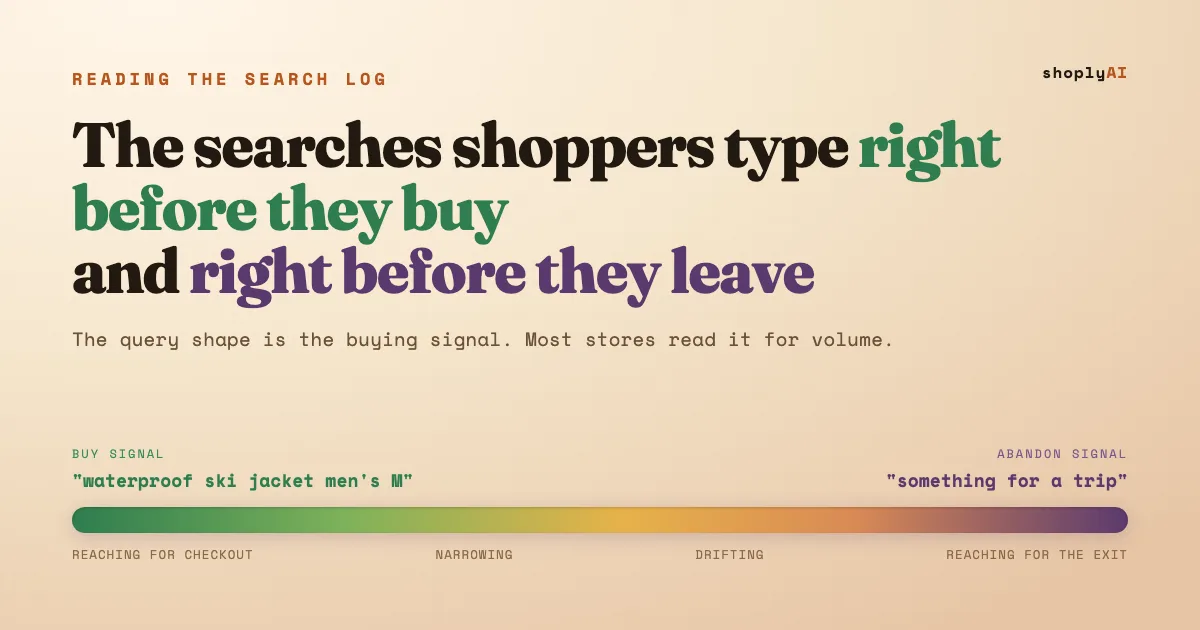
Most Shopify stores lose buyers at the search box without ever seeing it happen. The words a shopper types are the clearest buying signal a store gets, and most stores read them only for volume. A query like “waterproof hiking boots size 11 wide” is a shopper reaching for the checkout; “do you have anything for a trip” is one about to leave, and the difference is readable in the query shape before the click ever happens.
Consider a typical swimwear store’s Shopify Search & Discovery report. The top query by volume is “swimsuit,” which tells the store nothing. Three rows down sits “high neck long sleeve UPF 50,” searched forty times that month and returning two products, and one row into the no-result tail sits “rash vest,” searched eleven times, returning nothing. Same report, three completely different shoppers: one browsing, one ready to buy, one already gone. The volume sort buries the two that matter.
Reading a search log for what is popular is the easy read and the wrong one. The 30-minute site search log audit finds the four bounce patterns in that report; this is the companion read, the one that sorts queries by how close each shopper is to buying or leaving, and shows what to do at each end. The upside sits with dynamic AI search: a layer that reads a query by meaning turns the specificity that signals intent into the thing that sharpens the match, instead of the thing that breaks it.
What does search intent actually mean on a Shopify store?
Search intent on a store is how close a shopper is to purchase, encoded in the exact words they type. It is not the academic navigational-informational-transactional taxonomy from Google SEO decks. On your own storefront it is simpler and more useful: the more specific the query, with a product plus an attribute plus a constraint, the closer that shopper is to buying, because specificity is what someone types when they already know what they want and are checking whether you have it.
The reason this matters is that native Shopify search reads those words literally, not by meaning. It matches the typed string against your product titles, descriptions, and tags and returns what contains it. So a high-intent query full of specific attributes is also the query most likely to return a weak result, because the more words a shopper adds, the higher the chance one of them is not in your catalog’s vocabulary. Shoply AI Search reads the query by meaning instead, so the specificity that signals intent becomes the thing that sharpens the match rather than the thing that breaks it.
What do the searches right before a purchase look like?
Pre-purchase searches are specific, constrained, and confident. They read like a shopper filling in a form they already have in their head: a product, then the attributes that narrow it, then the constraint that has to be true for them to buy. “Waterproof ski jacket men’s medium,” “stroller that folds one-handed,” “office chair under 300 lumbar.” Each added word is intent made visible. A shopper types “jacket” when browsing and “waterproof insulated jacket size L in black” when reaching for a card.
The store’s job at this end is narrow: return the exact match instantly, and if search cannot fully resolve the last constraint, hand the shopper to chat with the query intact instead of dropping them on a zero-result page. That handoff is only possible when search and chat share the same understanding of the catalog, which is the case for pairing them, laid out in chatbot or search, why not both . A high-intent query that stalls in search is the most expensive thing to lose, because that shopper was the one with a card out.
What do the searches right before someone leaves look like?
Abandon-signal searches come in three recognizable shapes, and each one leaves for a different reason. Naming the shape tells you the fix. The shopper who typed one of these is often already halfway to a competitor tab, so the response has to be built into search itself, not bolted on after you notice the drop.
- The vocabulary miss. “Rash vest” when your catalog says “swim shirt,” “toque” when it says “beanie.” The product is in stock; the word is not in the catalog. Native search returns zero and the shopper reads that as “they don’t sell it.” This is the single most common leak in a search log, and it is the whole subject of why Shopify search synonyms are a trap .
- The vague reach. “Something for a trip,” “a gift for a runner,” “warm but not bulky.” The shopper knows the need, not the noun. Keyword search has nothing to match, so it returns noise, and noise reads as an empty store.
- The comparison drift. A shopper searching a competitor’s brand name or a spec they saw elsewhere. They are price-checking away from you, and a zero-result page confirms the decision to leave.
The fix for the first shape is semantic matching, so “rash vest” and “swim shirt” resolve to the same products with no synonym list to maintain. That coverage is a property of how the index is built, which is what training on your catalog actually produces. It also carries across languages: with 23+ language support and automatic detection, a Canadian shopper’s “toque” and a British shopper’s “rash vest” resolve without a per-locale list, because meaning travels where a word list does not.
How do you read your own search log for intent, not just volume?
You read a search log for intent by sorting each query by shape instead of by count. The report lives at Shopify admin > Analytics > Search & Discovery report. Set the window to 30 days, then run every query in the top-queries and no-results columns through one question: is this specific and constrained, or vague and short? Specific-and-constrained is buy signal; vague, misspelled, or zero-result is abandon signal. The count column tells you scale; the query shape tells you value.
Here is the read, in order:
- Pull the top queries and the no-results tail from the Search & Discovery report, last 30 days.
- Tag each query by band: buy signal (specific + attribute + constraint), narrowing, drifting, or abandon signal.
- Count the expensive misses: how many buy-signal queries returned a weak result or landed in the no-results tail. That number is your revenue leak, and it is almost never the same as your highest-volume query.
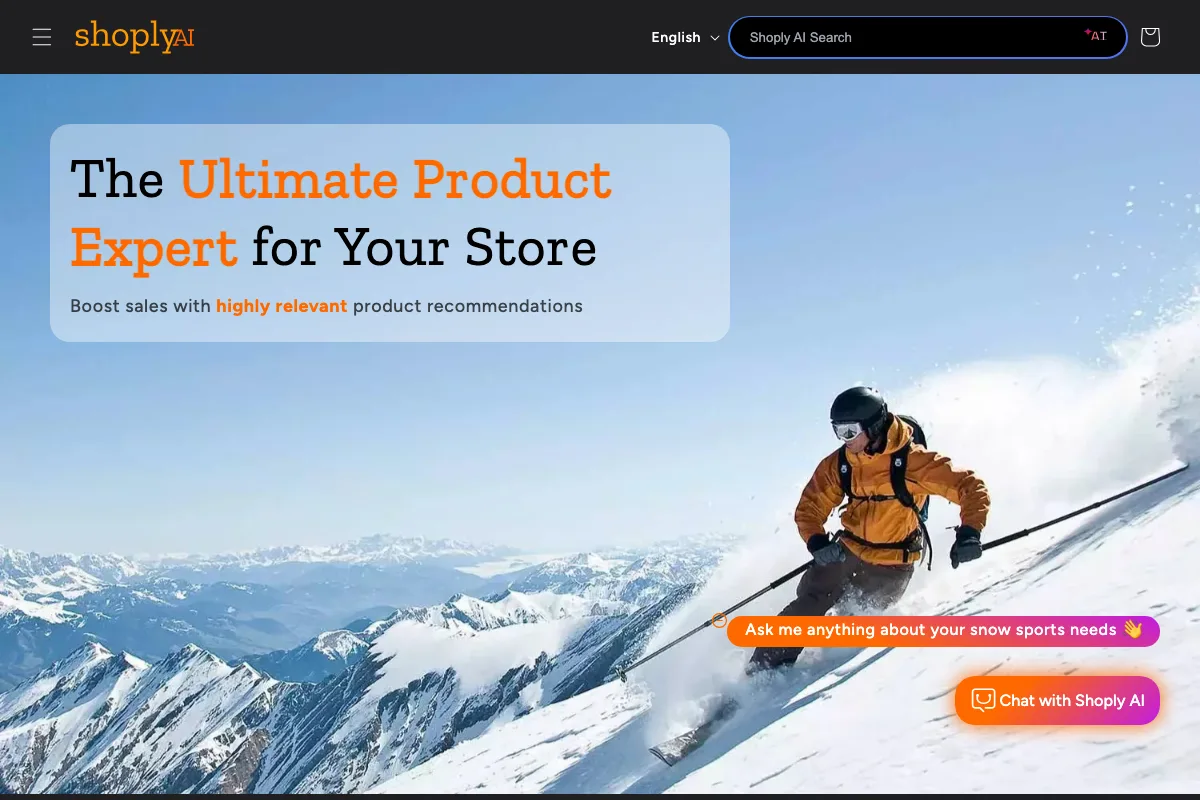
Where the manual read ends, a semantic layer begins. The demo store below runs Shoply AI Search, so a natural-language, high-intent query returns the right products without a synonym group behind it, and the chat widget picks up the vague reaches that search alone cannot close.
This same read holds at scale. The larger the catalog, the more the buy-signal queries pile up in the no-result tail, because a bigger catalog has more vocabulary to miss on, which is exactly the failure mode traced in what breaks past a million SKUs .
What should your store actually do about the abandon-signal searches?
The move is to close the gap between what a shopper means and what your catalog says the words are, at the moment they search, not after you notice the lost sale. For buy-signal queries, that means returning the exact constrained match instantly. For the drifting and abandon bands, it means matching by meaning so a vocabulary miss never renders as an empty store, and handing the genuinely vague reaches to a chat that shares the same catalog understanding.
That is the whole argument for a combined search-and-chat layer over a maintained keyword index: combined AI Search plus Chatbot is the one pairing that reads intent at both ends of the spectrum, resolving the specific query and rescuing the vague one from the same catalog model. Zero-setup learning means the coverage builds itself from your products, pages, and blogs, so the long tail of phrasings you never see is handled without a list to author. For where this sits in the broader stack, the guide to AI search for Shopify lays out the options, and the step-by-step install covers turning it on. The search box was already telling you who was ready to buy and who was leaving. The only question is whether your store can act on it in the half-second before the shopper decides.
Frequently asked questions
What is search intent in ecommerce?
Search intent in ecommerce is how close a shopper is to buying, encoded in the words they type into a store’s search box. A specific query with a product, an attribute, and a constraint signals a shopper ready to purchase; a vague or zero-result query signals one about to leave.
How do I tell if a Shopify search shows buying intent?
Read the query shape, not the volume. Long, specific searches full of attributes and constraints (“waterproof ski jacket men’s medium black”) are buy signals. Short, vague, misspelled, or off-vocabulary searches are abandon signals. Sort your Shopify Search & Discovery report by shape to separate the two.
Why do high-intent searches still return zero results on Shopify?
Native Shopify search matches the exact words in your catalog, not the meaning. A specific, high-intent query is the most likely to include a word your catalog does not use, so it returns nothing even though the product is in stock. Semantic search matches by meaning, so the specificity sharpens the result instead of breaking it.
What should a store do when a shopper searches a competitor’s brand?
Treat it as a comparison-drift abandon signal and own the category answer instead of returning nothing. A semantic search layer can surface your closest equivalent products, and a chat that shares the catalog can answer the spec question the shopper was really asking, keeping the comparison on your store instead of a competitor’s tab.
Read your log, then close the gap
Your search box already sorts your shoppers into the ready and the leaving. If the abandon-signal rows keep refilling no matter how many synonyms you add, semantic AI Search reads what shoppers mean across 23+ languages and catalogs up to 1M+ products, and pairs search with chat so no high-intent query dead-ends. Start with the site search log audit , see the full picture in the AI search for Shopify guide , try it on the Shoply demo , or find it on the Shopify App Store . Happy selling.