
Shopify Search Not Finding Products? Fix the Synonym Trap
 Frederick Casey Housand - May 25, 2026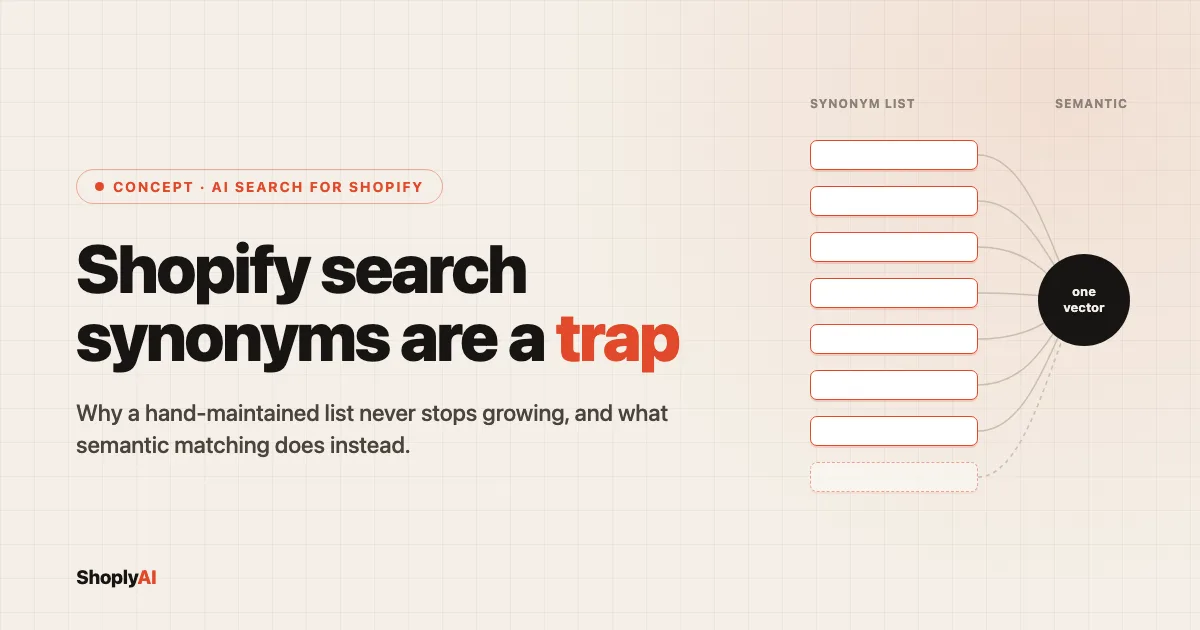
Shopify search not finding products that obviously exist is almost always a vocabulary mismatch, not a missing item. Native search only matches the exact words in your synonym list, so a swim brand that maps “rashguard” to “swim shirt” by hand on Monday still loses the sale on Friday when a shopper types “rash vest,” the British term nobody added to the list. The fix is not a longer list, it is matching by meaning.
I would rather a store stop hand-encoding its shoppers’ vocabulary than get better at it, because the encoding has no finish line. Every new SKU, rename, seasonal collection, and regional word for the same product is one more entry someone has to write and keep current. The list does not converge. It compounds.
Part of our wider look at AI search for Shopify , this post makes a case the setup docs structurally cannot. I walk the real Shopify Search & Discovery synonym setup end to end, so a store that never installs anything else finishes with a working group, then show where a hand-kept list breaks, why it breaks by structure rather than neglect, and what matching by meaning does instead.
Why does Shopify search miss products shoppers are clearly looking for?
Shopify’s native storefront search matches the words in your catalog, not the meaning behind a shopper’s query. It is token matching: the engine looks for the typed string in your product titles, descriptions, and tags, and returns what literally contains it. When a shopper and your catalog use different words for the same item, the search returns zero results even though the product is sitting in stock. The product exists. The word does not.
This is the most common leak in a Shopify search log, and it hides in plain sight. Apparel is the worst hit because clothing has the richest vocabulary drift:
- rashguard / swim shirt / rash vest, same garment, three words, two of them regional
- joggers / sweatpants, same product, split by age and geography
- hoodie / pullover, overlapping but not identical, and shoppers use them interchangeably
- beanie / toque, identical hat, and “toque” is the default word for a large chunk of Canadian traffic
Stores usually arrive at this the same way: they open the no-result tail in their search report and find high-intent queries bouncing silently while the analytics dashboard still looks healthy. The 30-minute site search log audit walks the exact report and the four bounce patterns that live in it. Synonym drift is the one you will see first.
How do Shopify Search & Discovery synonyms actually work?
Shopify Search & Discovery is the free first-party app that lets you define synonym groups so different words return the same products. You install the app, open the Synonyms tab, and create a group of terms the engine should treat as equivalent. A shopper searching any word in the group then sees the products tagged with any other word in it.
It is the official, supported fix for vocabulary drift, and for a small catalog it is the right first move.
Here is the full setup, start to finish:
- In your Shopify admin, go to Apps and open Search & Discovery. Install it from the App Store first if it is not already there; it is free.
- Open the Synonyms tab.
- Click Add synonyms and choose the group type. A two-way group treats every term as equal (“rashguard” and “swim shirt” each return the other’s products). A one-way group rewrites a search term into a target without the reverse (“rash vest” finds “swim shirt” results, but a “swim shirt” search does not pull “rash vest”).
- Type the terms, separated by commas, then Save.
- The group applies to storefront search results within a few minutes. Test it by searching each term on your live store.
For a small, stable catalog this is enough, and I want to be clear about that. If you sell forty products, a dozen synonym groups cover nearly every alias your shoppers use and you will rarely touch them again. Native synonyms are the correct tool for exact-match SKUs and a handful of known aliases. The trouble starts when the catalog and the vocabulary both keep moving.
One limit to note before the next section: synonym groups behave differently across storefront search and predictive (instant) search, and you maintain every group by hand. The app never proposes a new entry. It only stores the ones you remember to write.
Why don’t manual synonym lists scale?
A hand-maintained synonym list is an unwinnable treadmill because the work has no ceiling. Every new SKU, every product rename, every seasonal collection, and every shift in how shoppers talk adds entries you must author by hand, forever. The list grows faster than any team can maintain it, and it grows worst exactly where the catalog is largest, which is the same place retrieval itself starts to break past a million SKUs .
A synonym list is a finite lookup table pointed at an open-ended language problem, and the language always has more moves than the table.
Six forces keep adding rows, and none of them ever stop:
- New-SKU drift. Every product you add arrives with its own aliases. A new “merino base layer” needs “thermal,” “long underwear,” and “long johns” before launch day.
- Product renames. Marketing renames “Performance Tee” to “Tech Tee” and every synonym pointing at the old title silently rots.
- Seasonal and collection vocabulary. “Holiday gift set,” “advent,” “stocking stuffer” all appear in Q4 and need wiring before the traffic spikes, not after.
- Cross-language drift. “Toque” for a Canadian shopper, “rash vest” for a British one, “jumper” for a sweater. A list has to hand-cover each locale separately.
- Typos and descriptive phrases. “Gift for a runner,” “something warm for camping,” “waterproof jacket men’s” are real searches no synonym pair anticipates.
- The long tail you never see. The query that earns you nothing this month because it returned zero results and the shopper left without a trace.
The structural point is the part the setup docs cannot tell you: you are hand-encoding meaning one pair at a time, and meaning does not come in pairs.
There is one way off the treadmill, and it is to stop keeping a list at all. Shoply AI Search matches by meaning rather than stored word pairs, so “rashguard,” “swim shirt,” and “rash vest” resolve to the same products without a synonym entry for any of them. That behavior is a property of how the index is built, not a bigger list; what “trained on your catalog” actually means breaks down the architectures that produce it.
What does semantic search do instead of synonyms?
Semantic search matches a query to products by meaning instead of exact words. It reads “rashguard,” “swim shirt,” and “rash vest” as the same intent because it understands what each phrase refers to, not because someone listed them as equal.
New products, renames, and unfamiliar shopper phrasing are covered the moment they exist, because the system understands the catalog rather than reading a lookup table. There is no list to grow, so there is no treadmill to fall behind on.
The honest contrast is a question of where each tool fits, tradeoffs first:
- A synonym list is finite and you own every entry. That is a feature on a tiny, frozen catalog and a liability everywhere else.
- Semantic matching is open coverage you do not author. It handles the long tail you never see, and the price is the per-pair control a small store sometimes wants.
If your catalog is small and stable, native synonyms are fine. Once it moves, once you add locales, once the no-result tail keeps refilling no matter how many groups you write, the list has become the bottleneck and matching by meaning is the way out.
The demo store below runs semantic AI Search, so a query phrased in a shopper’s own words returns the right products without a synonym group behind it:
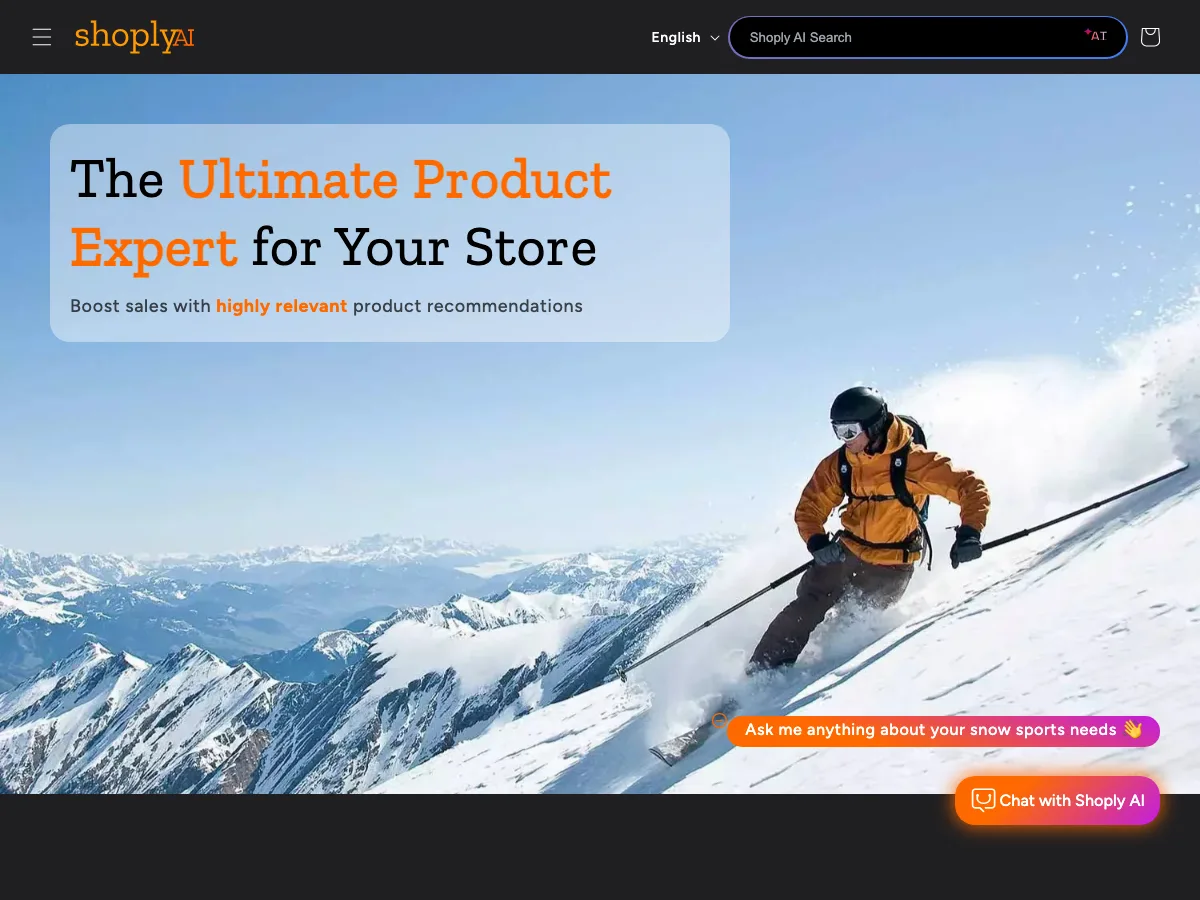
Three capabilities make the difference concrete:
- Zero-setup learning. The index builds itself from your products, pages, and blogs, so there is no synonym list to seed or maintain.
- 23+ languages with automatic detection. Cross-language drift like “toque” or “rash vest” resolves without a per-locale list, because meaning carries across languages.
- Catalogs of 1M+ products supported. The combinatorial problem inverts: semantic matching scales best exactly where a manual list scales worst.
If you have already hit the synonym ceiling and want the install path, the guide to adding AI search to a Shopify store covers it step by step. For why search and chat are the same surface once matching is semantic, chatbot or search, why not both makes that case.
Frequently asked questions
Do Shopify search synonyms work?
Yes, for a small, stable catalog with a handful of known aliases. They break down as the catalog and shopper vocabulary grow, because every new term has to be added by hand and the native app never proposes one for you.
Why is my Shopify search not finding products that exist?
Native storefront search matches the words in your catalog, so when a shopper uses a different word (rashguard instead of swim shirt) with no synonym entry, the search returns nothing even though the product is in stock.
What is semantic search for Shopify?
Semantic search matches by meaning instead of exact words, so it finds products from a shopper’s intent without a maintained synonym list. It learns the vocabulary from your catalog rather than from synonym groups you author by hand.
Are manual synonyms or AI search better for a large catalog?
On large or fast-changing catalogs, manual synonyms become an unmaintainable treadmill because the list grows with every SKU, rename, and locale. Semantic matching scales without per-term upkeep, which is why it fits catalogs running into the millions of products where a hand-kept list cannot keep up.
Stop maintaining the list
If your synonym list has become a chore you can never finish, the fix is to stop keeping a list. Semantic AI Search reads what shoppers mean without a single hand-authored pair, across 23+ languages and catalogs up to 1M+ products. See how it fits the rest of the stack in our guide to AI search for Shopify , try it on the Shoply demo , or find it on the Shopify App Store . Happy selling.