
如何使用 Shoply AI Search API
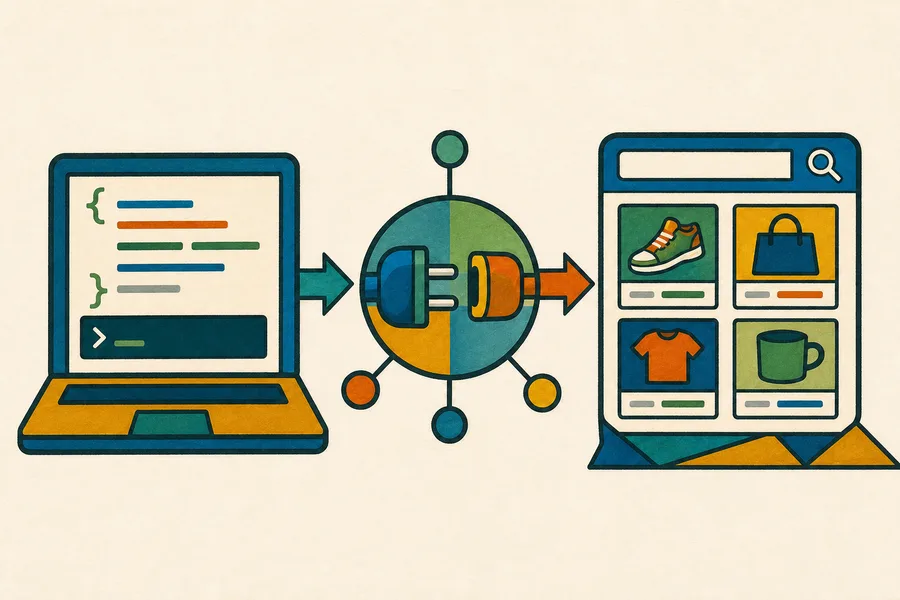
可以。您可以直接從自己的後端以程式方式查詢 Shoply AI Search,而不需要載入站內小工具,也不需要透過您的 Shopify storefront 傳送請求。
標準搜尋 API 適用於所有包含 AI Search 的 Shopify 方案,包括 Forever Free。API 請求會與 storefront widget 發出的搜尋共用相同的每月搜尋額度。目前限制請參閱我們的定價頁面。
如果您需要更高的額度、服務等級協議、自訂資料來源,或是不使用 Shoply 建立索引之 Shopify 商品目錄的整合方式,請聯絡我們洽詢 Enterprise 方案。
開始之前
請先在您要搜尋其商品目錄的 Shopify 商店中安裝 Shoply AI,並等待初始商品索引完成。您需要該商店的永久 myshopify.com 網域,例如:
your-store.myshopify.comAPI 可以從任何後端環境呼叫。標準商品搜尋端點不需要額外的 API 金鑰,因為它回傳的是與 Shoply 在 storefront 搜尋體驗中可顯示的相同公開商品目錄資訊。
端點
POST https://api.shoplyai.ai/product_query_v2
Content-Type: application/json
請求主體
| 欄位 | 必填 | 說明 |
|---|---|---|
store_key | 是 | 您商店的永久 myshopify.com 網域 |
query | 是 | 一個 JSON 編碼字串,內容至少包含 keywords 欄位 |
start | 否 | 用於分頁的從零開始結果位移;預設為 0 |
limit | 否 | 要回傳的商品最大數量;預設為 4 |
query 是請求主體中的 JSON 字串,不是巢狀 JSON 物件。例如,搜尋詞 waterproof hiking boots 會這樣傳送:
"{\"keywords\":\"waterproof hiking boots\"}"cURL 範例
請將 your-store.myshopify.com 替換為您商店的永久 Shopify 網域:
curl --request POST "https://api.shoplyai.ai/product_query_v2" \
  --header "Content-Type: application/json" \
  --data '{
    "store_key": "your-store.myshopify.com",
    "query": "{\"keywords\":\"waterproof hiking boots\"}",
    "start": 0,
    "limit": 8
  }'
JavaScript 範例
// Build the inner query separately because the API expects it as a JSON-encoded string.
const searchQuery = JSON.stringify({
  keywords: "waterproof hiking boots"
});

const response = await fetch("https://api.shoplyai.ai/product_query_v2", {
  method: "POST",
  headers: {
    "Content-Type": "application/json"
  },
  body: JSON.stringify({
    store_key: "your-store.myshopify.com",
    query: searchQuery,
    start: 0,
    limit: 8
  })
});

if (!response.ok) {
  throw new Error(`Shoply search failed with status ${response.status}`);
}

const results = await response.json();
console.log(results.docs);
Python 範例
import json
import requests

# The query value is encoded separately to match Shoply's structured search contract.
payload = {
    "store_key": "your-store.myshopify.com",
    "query": json.dumps({"keywords": "waterproof hiking boots"}),
    "start": 0,
    "limit": 8,
}

response = requests.post(
    "https://api.shoplyai.ai/product_query_v2",
    json=payload,
    timeout=30,
)
response.raise_for_status()

results = response.json()
print(results["docs"])
回應
成功的請求會回傳:
{
  "num_results": 2,
  "docs": [
    {
      "product_id": "gid://shopify/Product/1234567890",
      "url": "https://your-store.example/products/example-product",
      "product_name": "Example Product",
      "brand": "Example Brand",
      "current_price": "129.00",
      "currency": "USD",
      "main_image": "https://cdn.shopify.com/example-product.jpg",
      "selected_variant_id": "gid://shopify/ProductVariant/1234567891"
    }
  ],
  "display_filters": []
}num_results是符合條件商品的總數。docs包含所請求頁面的排序後商品。display_filters包含可用篩選條件,例如價格、品牌、顏色或其他目錄專屬屬性。
商品物件可能會依據商店的商品目錄、變體、定價以及 Shoply 設定而包含其他欄位。用戶端應使用所需欄位,並安全地忽略不熟悉的欄位。
分頁
使用 start 與 limit 來請求更多結果。例如,當您以 start: 0 和 limit: 8 請求八項商品後,可用以下方式請求下一頁:
{
  "start": 8,
  "limit": 8
}
當 start + docs.length 大於或等於 num_results,或當 docs 為空時,即可停止。
方案與整合注意事項
如果您的自訂 storefront 也需要對話功能,請參閱為 headless Shopify storefront 加入聊天功能。
- 標準 API 搜尋可自行啟用,且不需要站內小工具。
- 您的 Shopify 商店必須持續連接至 Shoply AI,商品索引才能保持最新。
- API 搜尋與 storefront 搜尋會共用您 Shopify 方案中的每月搜尋額度。
- 如果您希望集中管理快取、記錄、重試或存取控制,請將呼叫保留在您的後端。
- 若您需要自訂驗證、保證吞吐量、SLA、非 Shopify 商品目錄,或超出已公布方案的限制,請聯絡我們取得 Enterprise 支援。
如果您需要協助確認商店 key 或規劃正式上線的整合方式,請聯絡 Shoply AI。