
Scan to Chat: In-Store QR Codes That Open AI Chat
 Frank Yang - Nov 15, 2026
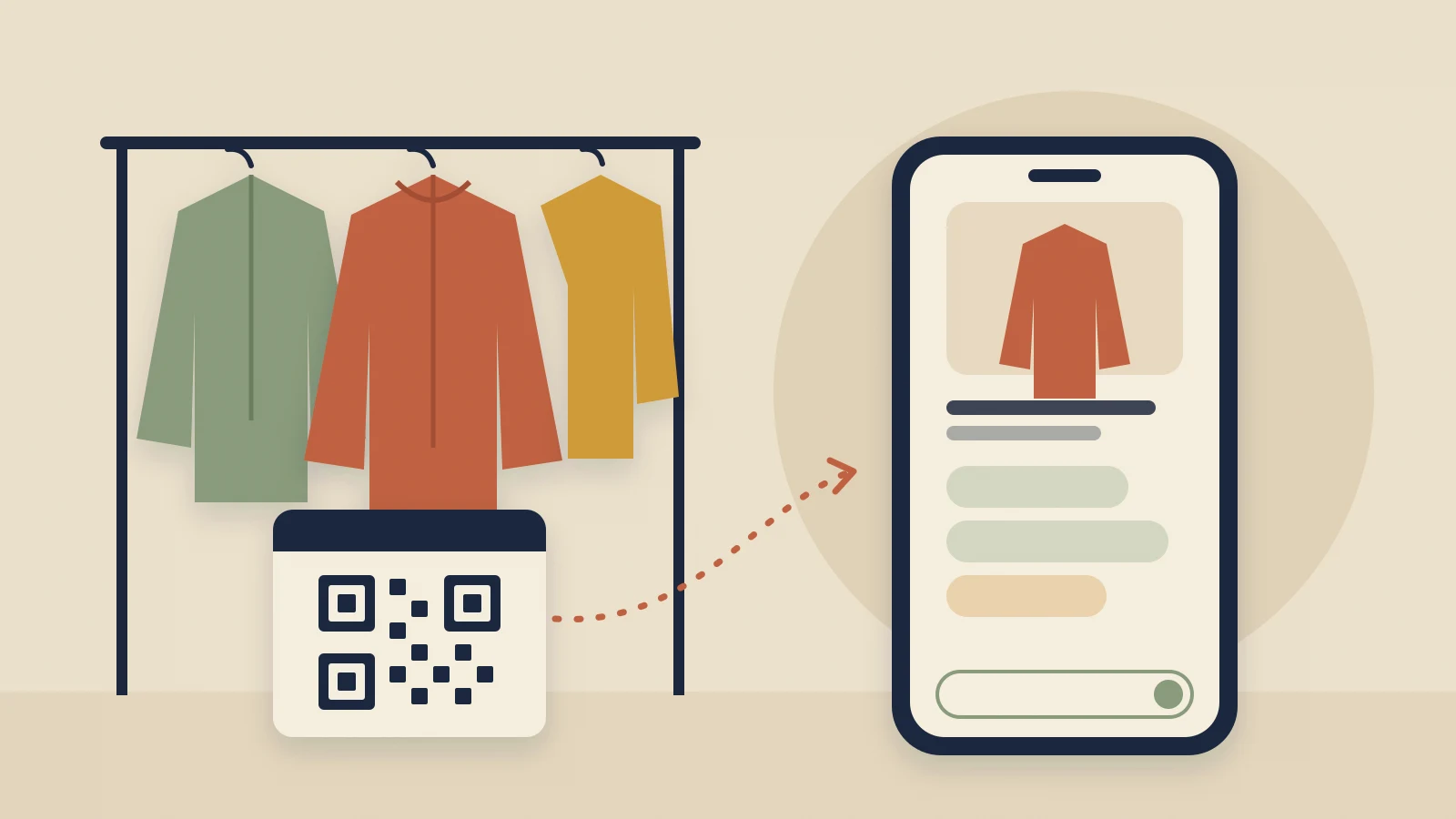
A shopper holding a ski shell, a trail-running shoe or a camera lens often has one specific question before buying. Is this shell warm enough for skiing? Will this shoe work for flat feet? The answer is in the specs, and the person who can explain the specs is an associate. A store has only a few associates on the floor, and when they are busy, the shopper waits, guesses or puts the product back.
One of our merchants, a retailer with several stores, already had QR codes on its shelf signs that opened the product’s web page. Together with that retailer, we built Scan to Chat: the same code opens the product page with Shoply AI, our AI shopping assistant, ready on the phone, so the shopper can ask that question at the shelf.
- Expert answers without an associate. Shoply AI answers from your product details and store knowledge. In a sample five-store calculation below, that would free about 250 associate hours a month.
- No need to type (most of the time). For each product with a description, Shoply AI writes four suggested questions, so shoppers can tap instead of typing.
- One change to the link, then new codes to print. Add
?utm_campaign=aichatto the product link and print the new QR code. Codes already on your signs keep opening the plain product page, so each sign needs a new one; for the retailer, replacing the codes on signs already in its stores was the biggest job. The product page and your Shopify theme stay as they are.
Why a Product Page Was Not Enough
At Shoply , we build AI search and an AI chatbot for Shopify stores. On the retailer’s website, Shoply AI already answered questions about products, stock in each of its stores and pickup orders.
A QR code on a sign took the shopper only to the product page. On a phone, that page is long: photos, price, a size picker and a description to scroll through. The page gives the shopper no way to ask a question such as Is this shell warm enough for skiing? To get an answer, the shopper has to read the whole description and work it out, or find an associate.
The retailer’s team pointed out that almost everyone who scans a sign is standing in the store, next to the product. So the first screen after a scan had to show the product in their hand and the questions they were likely to ask.
What a Shopper Sees After Scanning
The product page opens with Shoply AI filling the phone screen:
- The product’s photos at the top, so the shopper can confirm it is the item they scanned.
- “Ask me anything about this product,” followed by the product name.
- A one-sentence highlight of the product’s key features, written by Shoply AI.
- Four suggested questions to tap, and a box to type any other question.
Expert Answers at the Shelf
The shopper can tap a suggested question or type their own. In the video, the shopper asks Warm enough for skiing? about a rain jacket. Shoply AI answers that it is not warm enough on its own, because it is a shell with no insulation, and suggests a fleece underneath. That is the answer an associate would give, read from the same product details.
Shoply AI answers from the product’s description and specs, and from what the merchant has taught it about the store, such as care guides and return rules (how to train Shoply AI).
For a merchant with several stores, Shoply AI can also tell the shopper which store has their size, as long as the merchant tracks inventory by location (set up multiple warehouses). On the retailer’s website, a shopper asked which sizes a puffer jacket came in. Shoply AI listed five sizes in three colors, then named, size by size, the stores with stock. The retailer asked us to put sizes and colors first, so its first two suggested questions are always What colors are available? and What sizes are available? Shoply AI writes the other two for each product.
No Questions to Write
The retailer’s first question about the design was whether its team would have to write the questions for every item. They don’t. For each product opened through Scan to Chat, Shoply AI reads the product’s name and description and writes:
- the highlight: one sentence of under 30 words on the product’s key features;
- four short questions that the description can answer, each about something different.
For the Atomic Bent 85 skis in our demo store, the four questions ask about the weight of the 170 cm ski, its rocker (how the ski curves from tip to tail), its core (what the inside of the ski is made of) and its topsheet art (the graphics on top). A tent or an energy chew gets its own, different questions.
Other merchants get all four questions written for each product, with no fixed ones. A fixed color question helps with a jacket, but it makes little sense for a product sold in one color, or in flavors.
Shoply AI writes the highlight and questions in the language of the page the shopper opened, so a website that sells in several languages needs no extra setup.
What It Saves: A Worked Example
The numbers below are an example, not measured results. They show how to estimate the effect for your own stores: replace each assumption with your own numbers and keep the same math.
| Assumption | Example value |
|---|---|
| Stores | 5 |
| Days open per month | 30 |
| Shoppers per store per day who scan a shelf code and get their answer from Shoply AI instead of an associate | 20 |
| Questions per shopper | 1 |
| Associate time per product question (finding the shopper, checking the specs, answering) | 5 minutes |
| Associate cost per hour, including payroll taxes | $20 |
| Result | How it is calculated | Per month | Per year |
|---|---|---|---|
| Shoppers served by Shoply AI | 20 shoppers × 5 stores × 30 days | 3,000 | 36,000 |
| Associate hours freed | 3,000 shoppers × 1 question × 5 minutes ÷ 60 | 250 hours | 3,000 hours |
| Associate wages for those hours | 250 hours × $20 | $5,000 | $60,000 |
A full-time associate works about 2,080 hours a year, so 3,000 hours is the time of about one and a half full-time associates. A store can schedule fewer associate hours, or move those hours to fittings, demos and checkout, where shoppers need a person.
How to Set Up Scan to Chat
You need Shoply AI on your Shopify store, and product pages with photos and a description. A product without a description still opens Shoply AI with its name and photos, but without the highlight and suggested questions.
- Open the product page the sign should link to and copy its link.
- Add
?utm_campaign=aichatto the end, for examplehttps://your-store.com/products/rain-jacket?utm_campaign=aichat. If the link already contains a?, such as?variant=123, add&utm_campaign=aichatinstead. - Turn the link into a QR code with any QR code generator, and print it on the shelf sign or product tag. Codes already on your signs keep opening the plain product page, so replace them.
- Scan the printed code with your phone to check that Shoply AI opens on the right product.
Two other endings open Shoply AI the same way: ?shoply_product_questions and #shoply_product_questions. For printed codes, utm_campaign=aichat has an advantage. It is a tracking tag, called a UTM parameter , that Google Analytics and similar tools read. They count visits from your signs as the campaign “aichat”. The campaign name must be exactly aichat to open Shoply AI.
The same link works away from the shelf too, for example on packaging inserts, receipts or event banners. To add a “Question about this product?” button to the product page itself, see how to open Shoply AI with a link.
Try Scan to Chat on Your Phone
With Scan to Chat, the QR code on a shelf sign opens a conversation about the product the shopper is holding. Shoply AI can answer only what your product descriptions and store knowledge cover, so thin descriptions get thin answers.
Scan this code with your phone’s camera. It opens the Atomic Bent 85 skis in the Shoply demo store, with Shoply AI ready.

If your store sells products that need explaining, install Shoply AI from the Shopify App Store and add ?utm_campaign=aichat to your next batch of QR codes.