
How Shoply AI Ranks Product Search Results
 Frank Yang - Sep 16, 2026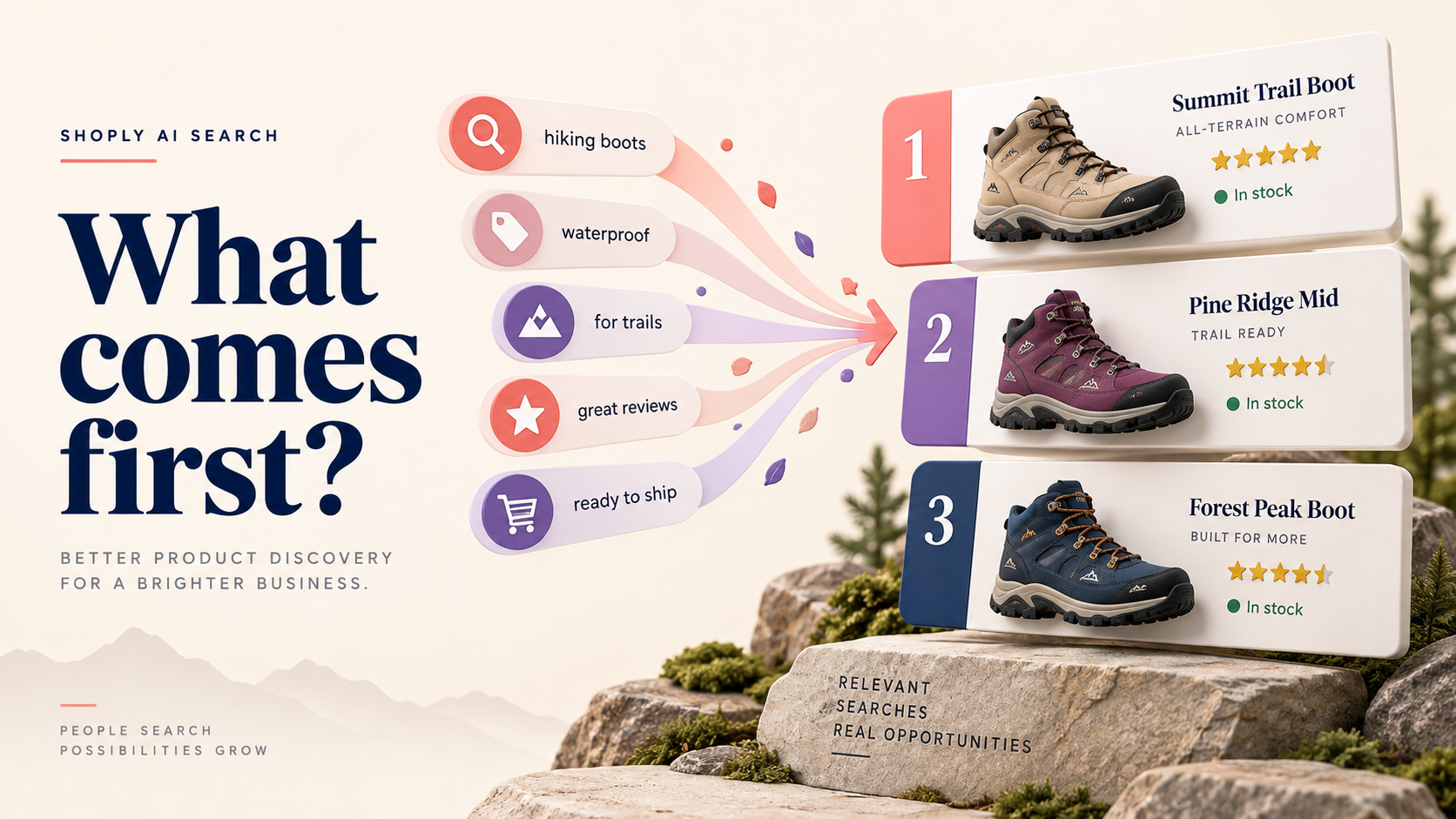
A shopper searches for “women’s waterproof hiking boots under $150.” Your store has several possible matches. Some have the right words in their titles. Others match what the shopper wants but use different words in their descriptions. A bestseller is available only in one size, while a newer pair has plenty of stock. Which products should the search engine show in the results, and which should it rank higher?
This article explains how Shoply finds products that match a customer’s query, what determines their ranking, and how we plan to give merchants more control over the ranking order.

Simplified standard search flow. The steps depend on store settings and the type of search. Settings that include more results may also show products outside the shortlist assessed during LLM-based re-ranking.
Steps 1A and 1B: Match keywords and meaning
-
Step 1A: Lexical matching . Lexical matching helps when the shopper knows what they want. A product name, brand, or model number provides a specific clue. Searching for a replacement part with “7S26-0020” should preserve that identifier; a vaguely similar watch part may be useless.
-
Step 1B: Semantic matching . Semantic matching helps when the shopper uses different language from the catalog. A request for a “jacket for rainy walks” may relate to a product described as a “waterproof hiking shell.” The words differ, but the intended use overlaps.
Step 2: Combine matches
Shoply combines possible matches from these two approaches. Meaning helps it find related products, while keyword matching helps it retain precise matches. Our earlier article, How We Built a Smarter AI Chatbot for Shopify Stores , explains why we brought these methods together.
The combined matches are ready for ranking.
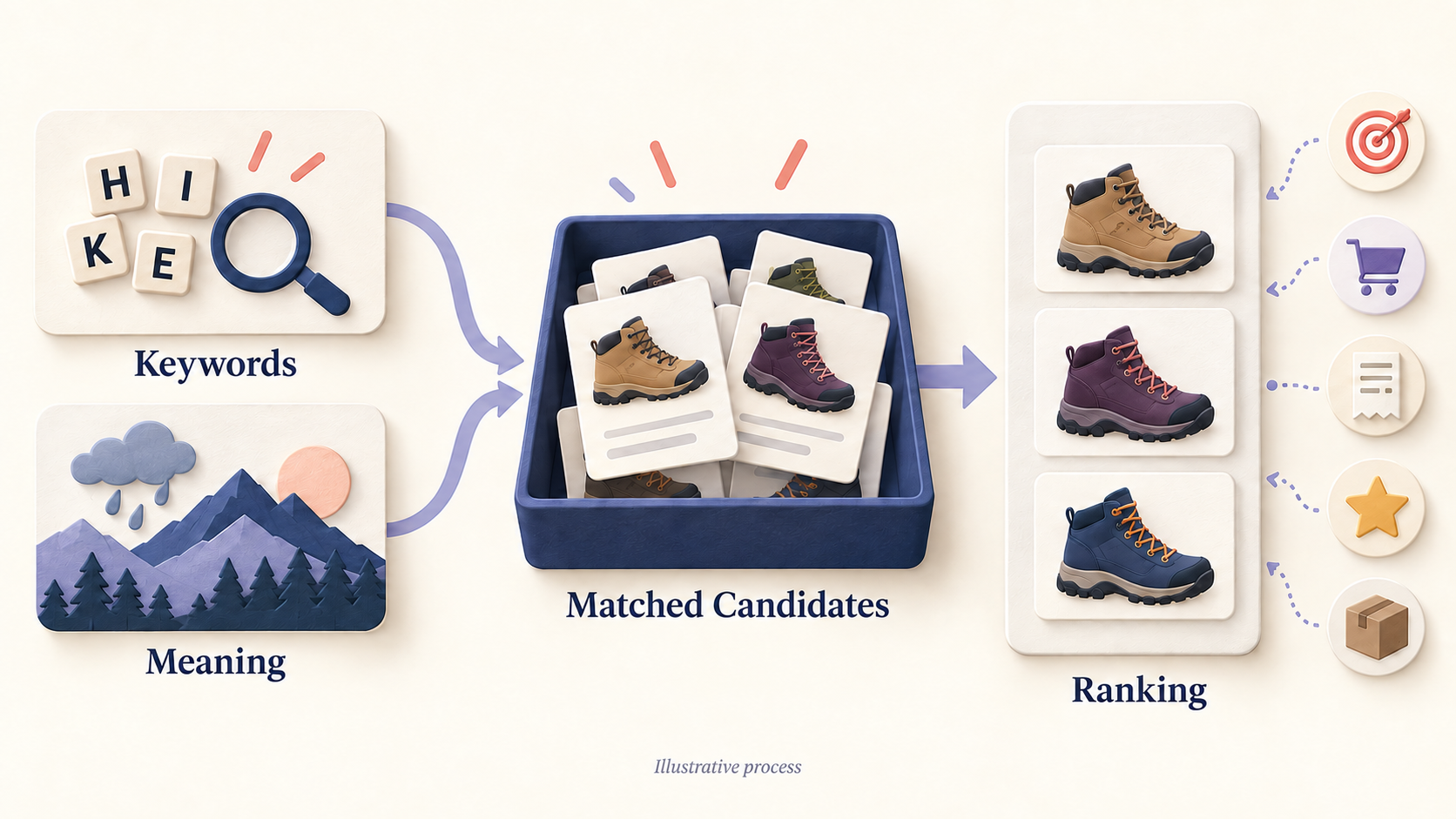
A simplified view of matching and ranking. Icons represent relevance, shopper activity, sales, reviews, and stock; they do not show how much each factor counts.
Step 3: Remove products excluded from search
Before investigating rank, check whether the product is eligible to appear at all. A product excluded from Shoply’s searchable catalog cannot be brought back by a ranking boost. See which products Shoply indexes and how to exclude them .
Step 4: Initial ranking
Each product starts with a matching score. Shoply then adds points for factors such as matching product details, shopper activity, and sales, and subtracts points for factors such as being sold out. A weight controls how strongly each factor affects the total. Products with higher totals generally rank higher, while filters can remove a product regardless of its score.
These factors help determine which products reach the shortlist for LLM-based re-ranking.
| Factor | How it affects initial ranking |
|---|---|
| Semantic match | How closely the product matches the meaning of the search contributes to its starting score. |
| Keyword match | Matches in product names, product types, categories, and descriptions help ranking. Tags can contribute when enabled for the store. |
| Required keywords and model numbers | These receive extra weight. Some matches also use SKUs, the codes identifying specific product versions. |
| Product details and required filters | Brand, gender, color, size, and specifications help distinguish close matches. Details receive more weight when considered important or identified with greater confidence. Mandatory filters can remove products. |
| Collections | Products in a collection relevant to the search can receive a boost. |
| Shopper behavior | Clicks, cart additions, and completed purchases associated with the same search can boost a product. Purchases carry more weight than cart additions, which carry more weight than clicks. This reflects activity for the search, rather than an individual shopper’s preferences. |
| Sales | Estimated revenue—order count multiplied by current price—provides an initial boost when the inventory-based boost is not used. This estimate helps compare products; it is not an accounting total or profit measure. |
| Stock quantity | When at least 80% of the possible matches track inventory and have positive stock, quantity combined with price supplies the initial boost instead of estimated revenue. More units alone do not guarantee a higher rank. |
| Reviews | Average rating contributes a smaller default boost, adjusted for review count. Ratings with little feedback are treated more cautiously. This depends on review data being available. |
| Requests for popular products | When the shopper asks for popular products, Shoply gives sales and reviews more weight. |
| Product availability | Sold-out products receive ranking penalties. They are not automatically excluded from every ordinary search. |
| Product images | Products without an image receive a penalty. |
| Promotions | For requests about store promotions, discount-specific rules help discounted products reach the next stage. |
| Freshness | Newer products can receive a boost when configured. This factor has no effect by default. |
Step 5: LLM-based re-ranking
After initial ranking, Shoply uses our proprietary, fine-tuned large language model (LLM) to assess the shortlisted products. We use a small model to reduce search latency—the time customers wait for results.
The model checks whether each product fits the customer’s query. For example, “skis with bindings” and “ski bindings” share words but describe different purchases. This step can remove irrelevant products and identify especially close matches. Store-specific search instructions can also guide the assessment.
Our guide to evaluating search relevance explains how to judge whether the right products appear and rank high enough to be seen.
Step 6: Refine the order
After LLM-based re-ranking, Shoply applies further adjustments for sales, stock quantity, product availability, and promotions—the factors introduced in Step 4. These adjustments build on the existing scores.
The table below covers the additional checks at this stage.
| Factor | How it affects the final order |
|---|---|
| Availability of the requested version | An available matching size, color, or other version can improve a product’s final rank. |
| Budget check | For “under $150,” if products within budget remain after LLM-based re-ranking, Shoply removes the remaining products outside the budget. If none remain within budget, that price rule does not remove the other results. |
Filters the customer explicitly selects also narrow the displayed results. Shoply then shows the ranked results to customers, as shown in Step 7 of the flowchart.
Useful Tips for the Merchants
-
Keep product details accurate and complete. Include the brand, model number, intended use, and relevant specifications. Keep size, color, and stock information up to date so Shoply can match what customers ask for. Our guide to Shoply’s smart search filters explains how these details become useful choices for shoppers.
-
Review which product fields Shoply can use. Remove outdated or incorrect values, and exclude fields that Shoply should not use. After changing those settings, refresh the index so previously stored information is updated. The FAQ on extra product fields (metafields) explains the available controls.
-
Check shopper-event tracking on custom storefronts. If your storefront is built separately from Shopify’s standard themes, make sure cart additions and completed purchases are sent to Shoply. These events provide feedback that can support ranking. Follow the FAQ on sending shopper activity to Shoply to set up the connection.
Future feature: Let merchants see and adjust the weights
Shoply sets the current weights, with some store-specific settings. They are not fixed percentages of relevance, sales, and inventory: different stages and types of search apply different rules.
We plan to let merchants see the ranking weights and adjust how much each factor influences product order. A store introducing a new collection may want a different balance from a store focused on established bestsellers. Making the weights accessible would give merchants a more direct way to express those priorities.
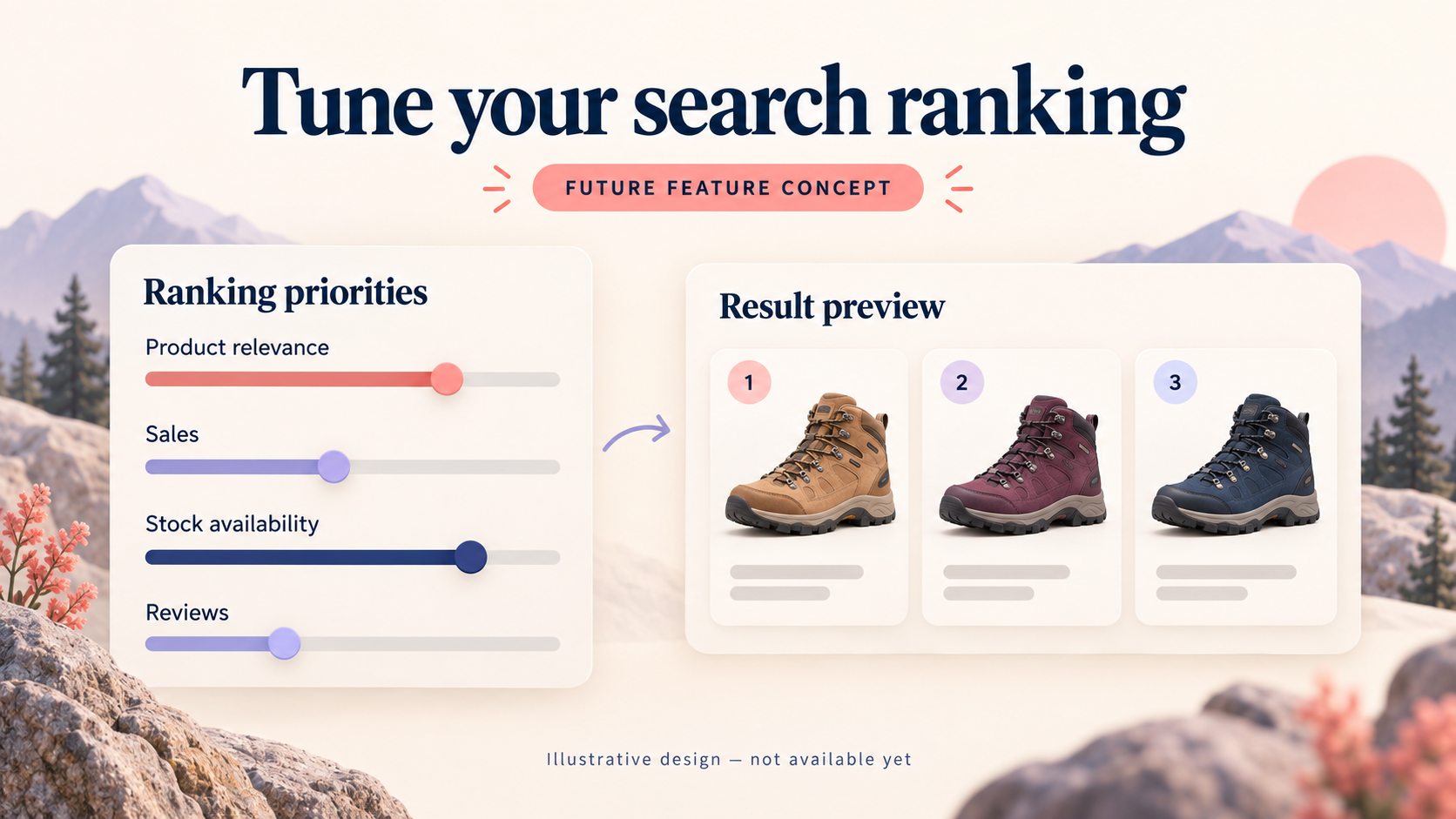
Concept illustration of planned ranking controls; the final design may differ.
The goal is to help merchants understand why products appear in a particular order and adjust that balance to suit their store. Have questions or suggestions about ranking controls? Contact us .
To explore the current experience, try a search in the Shoply demo store . To set it up on your store, follow How to Add AI Search to a Shopify Store .