
Shoply AI Search API 사용 방법
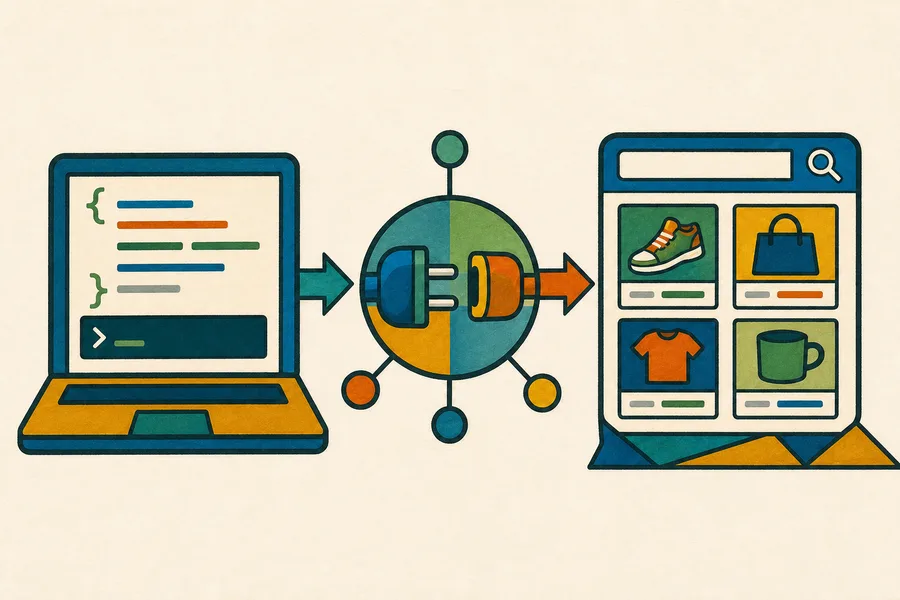
네. 사이트 내 위젯을 로드하거나 Shopify 스토어프론트를 통해 요청을 보내지 않고도 자체 백엔드에서 Shoply AI Search를 프로그래밍 방식으로 쿼리할 수 있습니다.
표준 검색 API는 Forever Free를 포함하여 AI Search가 포함된 모든 Shopify 플랜에서 사용할 수 있습니다. API 요청은 스토어프론트 위젯을 통해 수행되는 검색과 동일한 월간 검색 허용량을 사용합니다. 현재 제한은 요금 페이지에서 확인하세요.
더 높은 한도, 서비스 수준 계약, 맞춤 데이터 소스 또는 Shoply가 인덱싱한 Shopify 카탈로그를 사용하지 않는 통합이 필요하다면 Enterprise 플랜에 대해 문의하세요.
시작하기 전에
검색하려는 카탈로그가 있는 Shopify 스토어에 Shoply AI를 설치하고 초기 제품 인덱싱이 완료될 때까지 기다리세요. 다음과 같은 스토어의 영구 myshopify.com 도메인이 필요합니다:
your-store.myshopify.com이 API는 어떤 백엔드 환경에서든 호출할 수 있습니다. 표준 제품 검색 엔드포인트는 Shoply가 스토어프론트 검색 경험에서 표시할 수 있는 것과 동일한 공개 카탈로그 정보를 반환하므로 별도의 API 키가 필요하지 않습니다.
엔드포인트
POST https://api.shoplyai.ai/product_query_v2
Content-Type: application/json
요청 본문
| 필드 | 필수 여부 | 설명 |
|---|---|---|
store_key | 예 | 스토어의 영구 myshopify.com 도메인 |
query | 예 | 최소한 keywords 필드를 포함하는 JSON 인코딩 문자열 |
start | 아니요 | 페이지네이션을 위한 0부터 시작하는 결과 오프셋, 기본값은 0 |
limit | 아니요 | 반환할 최대 제품 수, 기본값은 4 |
query는 중첩된 JSON 객체가 아니라 요청 본문 안에 들어가는 JSON 문자열입니다. 예를 들어, 검색 구문 waterproof hiking boots는 다음과 같이 전송됩니다:
"{\"keywords\":\"waterproof hiking boots\"}"cURL 예제
your-store.myshopify.com을 스토어의 영구 Shopify 도메인으로 바꾸세요:
curl --request POST "https://api.shoplyai.ai/product_query_v2" \
  --header "Content-Type: application/json" \
  --data '{
    "store_key": "your-store.myshopify.com",
    "query": "{\"keywords\":\"waterproof hiking boots\"}",
    "start": 0,
    "limit": 8
  }'
JavaScript 예제
// Build the inner query separately because the API expects it as a JSON-encoded string.
const searchQuery = JSON.stringify({
  keywords: "waterproof hiking boots"
});

const response = await fetch("https://api.shoplyai.ai/product_query_v2", {
  method: "POST",
  headers: {
    "Content-Type": "application/json"
  },
  body: JSON.stringify({
    store_key: "your-store.myshopify.com",
    query: searchQuery,
    start: 0,
    limit: 8
  })
});

if (!response.ok) {
  throw new Error(`Shoply search failed with status ${response.status}`);
}

const results = await response.json();
console.log(results.docs);
Python 예제
import json
import requests

# The query value is encoded separately to match Shoply's structured search contract.
payload = {
    "store_key": "your-store.myshopify.com",
    "query": json.dumps({"keywords": "waterproof hiking boots"}),
    "start": 0,
    "limit": 8,
}

response = requests.post(
    "https://api.shoplyai.ai/product_query_v2",
    json=payload,
    timeout=30,
)
response.raise_for_status()

results = response.json()
print(results["docs"])
응답
요청이 성공하면 다음이 반환됩니다:
{
  "num_results": 2,
  "docs": [
    {
      "product_id": "gid://shopify/Product/1234567890",
      "url": "https://your-store.example/products/example-product",
      "product_name": "Example Product",
      "brand": "Example Brand",
      "current_price": "129.00",
      "currency": "USD",
      "main_image": "https://cdn.shopify.com/example-product.jpg",
      "selected_variant_id": "gid://shopify/ProductVariant/1234567891"
    }
  ],
  "display_filters": []
}num_results는 일치하는 제품의 총 개수입니다.docs에는 요청한 페이지에 대한 순위가 매겨진 제품이 포함됩니다.display_filters에는 가격, 브랜드, 색상 또는 기타 카탈로그별 속성과 같은 사용 가능한 필터가 포함됩니다.
제품 객체에는 스토어의 카탈로그, 변형 상품, 가격 책정 및 Shoply 설정에 따라 추가 필드가 포함될 수 있습니다. 클라이언트는 필요한 필드를 사용하고 익숙하지 않은 필드는 안전하게 무시해야 합니다.
페이지네이션
추가 결과를 요청하려면 start와 limit를 사용하세요. 예를 들어, start: 0 및 limit: 8로 8개의 제품을 요청한 뒤에는 다음과 같이 다음 페이지를 요청하세요:
{
  "start": 8,
  "limit": 8
}
start + docs.length가 num_results보다 크거나 같아질 때, 또는 docs가 비어 있을 때 중지하세요.
플랜 및 통합 참고 사항
맞춤 스토어프론트에도 대화 기능이 필요하다면 헤드리스 Shopify 스토어프론트에 채팅을 추가하세요.
- 표준 API 검색은 셀프서비스 방식이며 사이트 내 위젯이 필요하지 않습니다.
- 제품 인덱스를 최신 상태로 유지하려면 Shopify 스토어가 Shoply AI에 계속 연결되어 있어야 합니다.
- API 검색과 스토어프론트 검색은 Shopify 플랜의 월간 검색 허용량을 공유합니다.
- 캐싱, 로깅, 재시도 또는 접근 제어를 중앙 집중화하려면 호출을 백엔드에서 유지하세요.
- 맞춤 인증, 보장된 처리량, SLA, Shopify가 아닌 카탈로그 또는 공개된 플랜 한도를 초과하는 요구 사항이 있다면 Enterprise 지원을 위해 문의하세요.
스토어 키 확인이나 프로덕션 통합 계획에 도움이 필요하면 Shoply AI에 문의하세요.