
How to Test If Your Shopify AI Chatbot Is Actually Working (2026)
 Frederick Casey Housand - Jul 29, 2026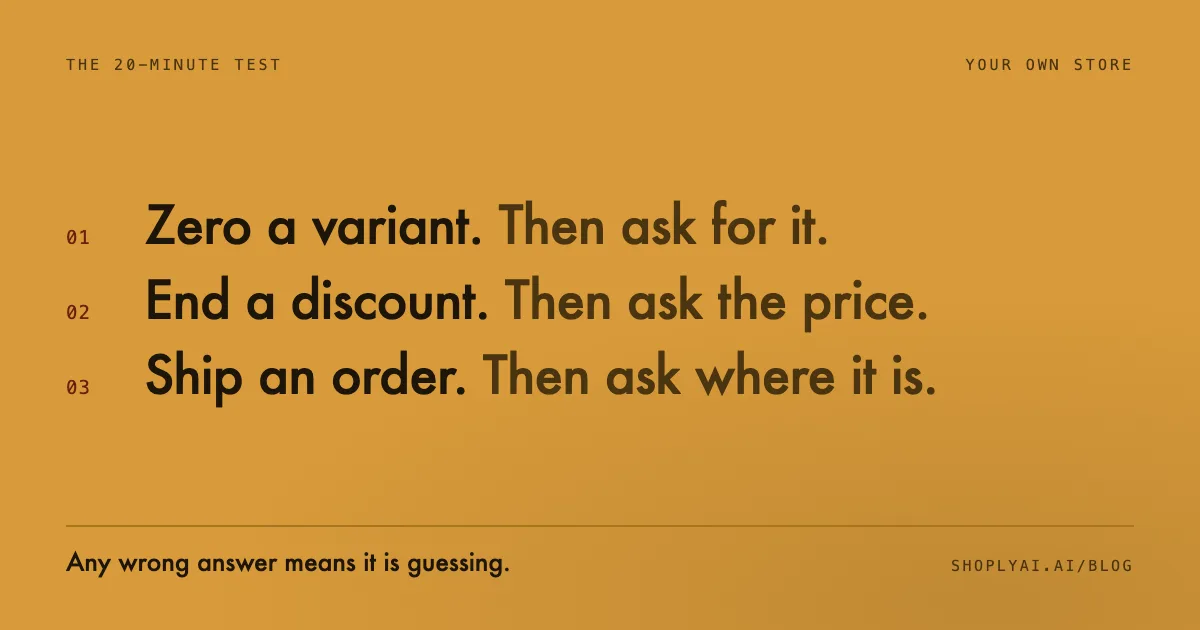
To test whether your Shopify AI chatbot is actually working, break your store’s state on purpose and then ask about it. Set a variant to zero and ask for it. End a live discount and ask the price. Ask for the status of a real order. Three questions, twenty minutes, no engineering help. A bot that answers all three correctly is reading your store. One that gets any of them wrong is reading a copy of your store from some point in the past, and doing it fluently enough that nobody notices.
I would rather know what a chatbot can read than what its vendor says it can do. Every app in this category answers product questions and resolves tickets on a feature page. Very few can tell a shopper that the blue one in a medium sold out four minutes ago.
What does a working Shopify AI chatbot actually have to do?
A working chatbot answers from your store’s current state, not from an index of it. Deflection rate, response time and CSAT all look healthy while a bot invents stock levels, because none of them measure whether the answer was true. The only test that catches it is asking a question whose right answer changed in the last five minutes, and checking what comes back.
Three questions cover the ground, because they map to the three kinds of state a shopper actually asks about.
How do you run the test in 20 minutes?
Run it during a trial, before the card gets charged. You need Shopify Admin access and the chat widget on your own storefront. Treat a “close enough” answer as a fail: a shopper who is told the wrong thing confidently does not grade on a curve, and neither should you.
- Pick one real variant with stock on hand, ideally on a product with size and colour options. Variant-level reads are where most systems get lazy.
- Set that variant to zero in Shopify Admin, then wait five minutes. That is a fair grace period for any sync.
- Ask the widget for it by name, the way a shopper would: “do you have the [product] in [size], in [colour]?” A pass is a clear no, ideally with an alternative. A fail is a yes, a hedge, or a link to the product page as though nothing changed.
- End a discount that is currently live and ask the price of an affected product. A pass states the current price. A fail quotes the promotional one.
- Ask for the status of a real order that shipped in the last 48 hours. A pass names the fulfilment state. A fail sends the shopper to a tracking page or opens a ticket.
How do you score the results?
Score each probe pass or fail, then read the total rather than the individual answers. Three passes means the system reads your store rather than a snapshot of it. Two is workable if the failure is order state and a helpdesk already covers that lane. One or zero means you are paying for a very good conversational interface sitting on stale data, which is the expensive kind of wrong.
Re-run the test after any catalogue migration, theme change, or new app that touches inventory sync. A system that passed in March can fail in July if the sync path moved underneath it.
Why do chatbots fail these tests?
They fail architecturally, not conversationally. Most Shopify chat apps fall into two camps, and the camp predicts which probe breaks. Sales-agent apps watch on-site behaviour and talk about your catalogue: strong before checkout, thin on order state. Helpdesk apps read order objects and ticket history: strong after checkout, blind to the catalogue. Neither shape covers all three probes alone, which is why so many stores pay two vendors on two meters.
| Probe | Sales-agent app | Helpdesk app | One shared index |
|---|---|---|---|
Live stock | TEST IT Sync cadence is yours to verify | NOT ITS JOB Not what a ticket queue does | READS IT Read at question time |
Live price | TEST IT Catalog, not discount logic | NOT ITS JOB A human or a macro | READS IT Same read as the search box |
Live order state | TEST IT Via a helpdesk integration | READS IT Its home turf | READS IT Straight from the order object |
The amber cells are the point of this post: claims you can only settle on your own catalog, with your own sync cadence.
Notice how many cells say test it. That is not fence-sitting. Vendor claims in those cells are usually true in a demo store with forty products and a clean sync, and go soft on a 12,000-SKU catalogue with variant-level stock and a discount stacking rule. If you are still choosing between apps, the best AI chatbots for Shopify in 2026 guide covers the field, and the best Gorgias alternatives post handles the helpdesk-replacement question.
What does passing all three require?
One index behind both surfaces. Shoply AI runs its AI Search and its chatbot off the same catalogue read, so the answer in the chat window and the results from the search box come from the same current picture of the store, with no second pipeline to drift out of sync. The index builds itself from product pages, collections, policy pages and blog content with no rule-writing, which is what “zero-setup” has to mean if the catalogue changes daily. It holds at 1M+ products and answers in 23+ languages with automatic detection, so a Dutch shopper asking about a variant gets the same live read as an English one.
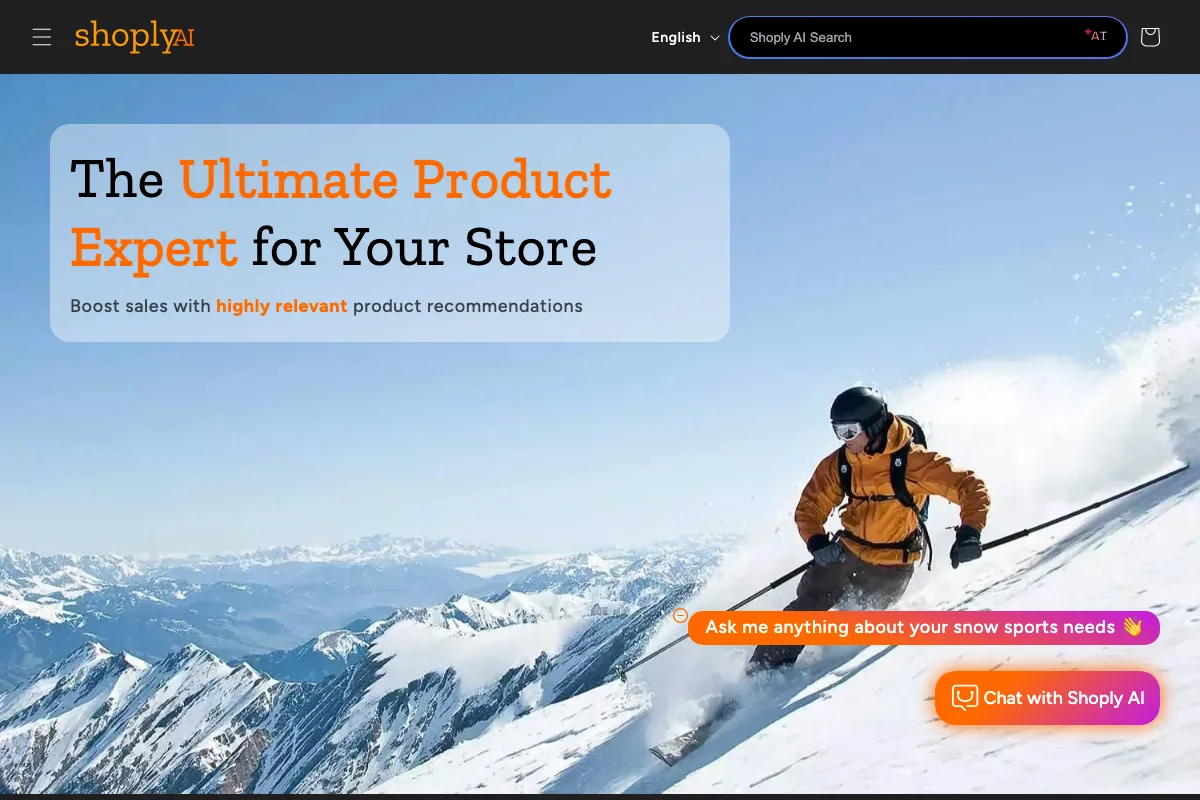
Both surfaces on that storefront read the same catalogue. That is the whole design argument, and the long version is in chatbot or search, why not both.
One honest caveat. If your support load is genuinely a routing and SLA problem (agents, macros, voice, social queues), a helpdesk is the right tool and a shopping assistant is not a substitute for one. The live chat vs AI chatbot and AI shopping assistant vs chatbot posts work through that boundary.
Frequently asked questions
How do I know if my Shopify chatbot is working? Change something in your store and ask the bot about it. Set a variant to zero stock, end a live discount, or check a recent order. If the answer reflects the change within a few minutes, it is reading current state. If it answers from the old picture, it is not, however fluent it sounds.
Why not just trust the vendor’s feature page? Because feature pages describe a demo catalogue. The claims that break in production are the ones about freshness: variant-level stock, live discount logic, fulfilment state. None of them can be verified from outside your own store.
Can a helpdesk chatbot answer product questions? Usually not well. A ticket queue reads orders and conversation history, so it answers “where is my order” far better than “which of these fits me”. Asking it for product discovery is asking it to do a job it was not built for.
Does this test work on a large catalogue? It matters more there. On catalogues in the thousands of SKUs the variant-level read is the first thing to check, because that is where index-based systems degrade first.
Try the three probes on your own store
Twenty minutes settles a question that feature pages cannot. If you want to see what a single index behind both search and chat looks like before you start, the live demo store is open, and the Shoply AI app listing has a Forever Free tier if you would rather run the probes on your own products. Whatever you are running today, test it before you renew it.