
Updated
How Shopify Owners Actually Use ChatGPT in 2026
 Frederick Casey Housand - Jul 2, 2026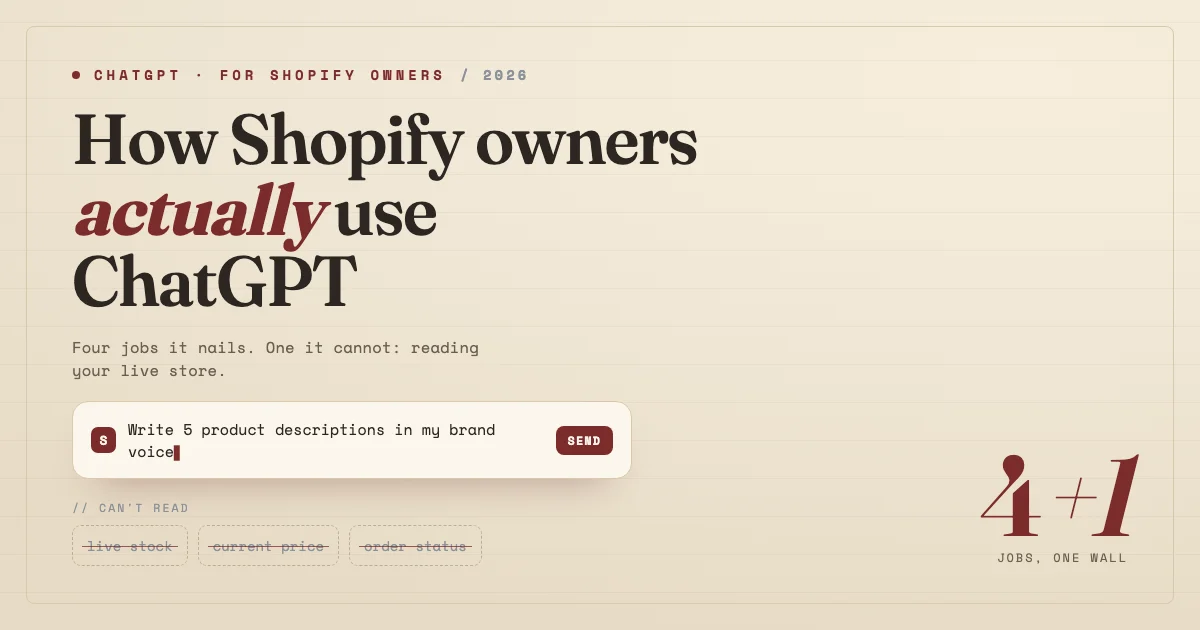
Shopify owners use ChatGPT for four jobs that hold up: writing product copy, drafting SEO briefs, templating customer-service replies, and interrogating their own analytics. Those are real wins, and I lean on all four most weeks. The catch is the fifth job every “ChatGPT for Shopify” guide quietly skips: plain ChatGPT cannot read your live catalog, stock, price, or order status, so the moment a task needs your real store state, it guesses.
I would rather a store owner master four prompts that genuinely work than copy fourteen from a listicle that assume ChatGPT can see data it never touches. So this is a working guide to the jobs worth the effort, the prompts worth saving, and the wall you route around, not a guide to getting your store found inside ChatGPT, which is a separate job with its own setup .
What do Shopify owners actually use ChatGPT for?
Strip away the hype and real usage clusters into four jobs: product copy, SEO briefs, customer-service drafts you edit before sending, and analytics questions you ask against a pasted report. Everything else on the typical listicle is a variation on one of these. The common thread: you bring the raw material and ChatGPT shapes it.
Notice what is missing from that grid: anything a shopper asks in real time. If you want the apps that automate store operations instead, that is the best AI automation tools for Shopify roundup ; here we stay on ChatGPT the tool. If Claude is your assistant of choice, the same split applies, plus MCP: how a Shopify owner should use Claude .
Which ChatGPT prompts are worth saving for a store?
The prompts worth a slot in your library share one trait: they force you to paste your own data, so ChatGPT edits reality instead of inventing it. A prompt that starts “write a product description for a candle” gives you fluff; one that starts with your actual specs, materials, and customer objections gives you copy you can ship. Four that repay saving:
- Product copy: “Here are the specs, materials, and top two customer objections for [product]. Write a 60-word description in a warm, plain voice that answers both objections.” Paste real specs, or it guesses them.
- SEO brief: “Here is my target query and the three URLs ranking above me [paste]. Give me an H2 outline that covers what they miss, plus a 155-character meta description.” You supply the SERP; it structures the brief.
- Support-reply template: “Draft a reply template for a late-shipment complaint. Leave bracketed slots for order number, carrier, and new ETA.” You fill the live details before sending, because it cannot look them up.
- Analytics question: “Here is my last-30-day traffic and conversion export [paste]. Which two numbers moved most, and what is the likeliest cause?” It reasons over what you paste, nothing more.
The pattern holds across all four: ChatGPT shapes material you hand it and cannot fetch material you do not. That boundary is structural. No amount of prompt-wording gets past it.
Where does ChatGPT break for a Shopify store?
ChatGPT breaks the instant a task depends on your live store state. It has no connection to your Shopify catalog, so it cannot know the medium sold out this morning, that you cut the price yesterday, or that order #1043 shipped. Ask it “is the blue medium in stock, arriving by Friday?” and it hands you a fluent, confident guess, because it is completing a sentence, not reading your inventory.
This matters more in 2026 than it did a year ago, because shoppers now expect to ask rather than browse. An IBM-NRF study from January 2026 found 45% of consumers now use AI during their buying journey. When those questions land on your store, a tool that guesses becomes a liability.
What handles the live-store half ChatGPT can’t?
The live-store half needs an AI wired into your Shopify data, reading stock, price, and order status at the moment a shopper asks. That is a different category from a general chat assistant: it answers from your live catalog rather than from training data.
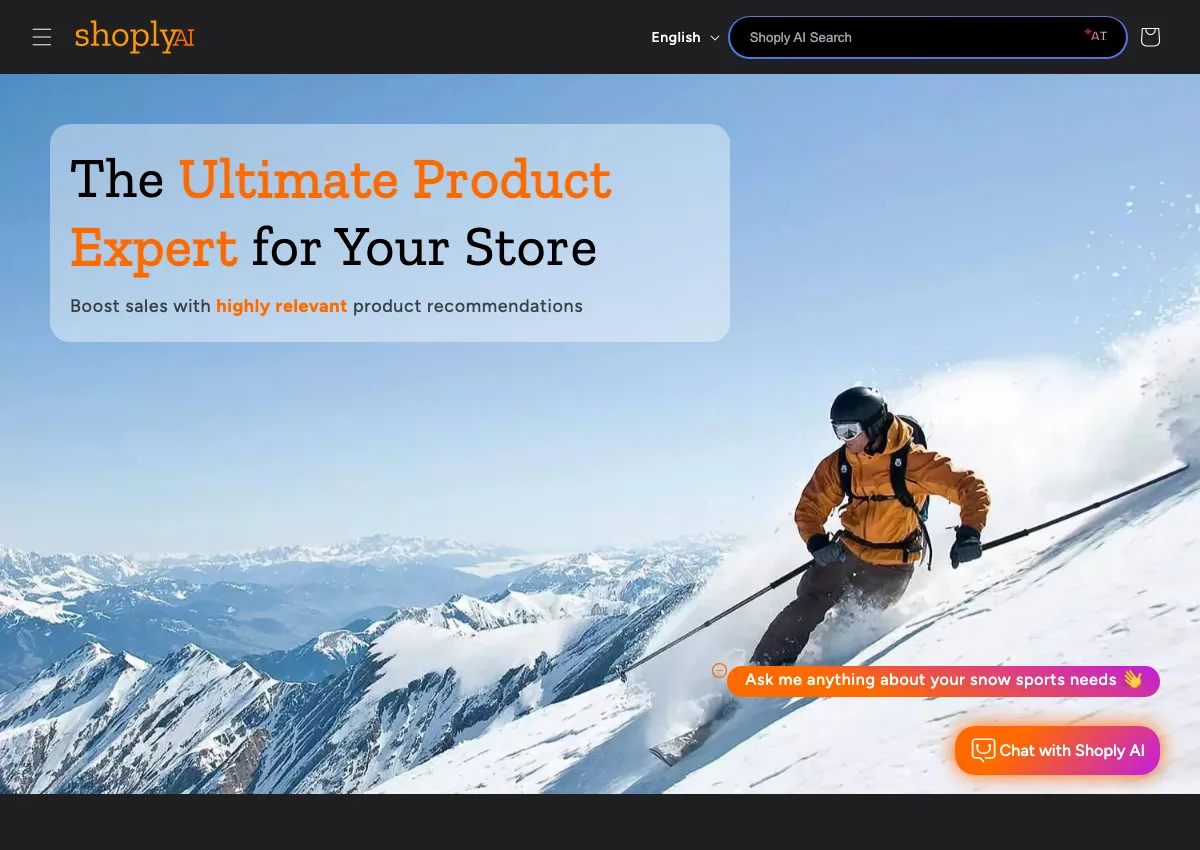
Shoply AI is built for exactly this gap. It runs combined AI search and chat in one widget , so a shopper who is half-searching and half-asking gets one answer. It learns your catalog with zero setup , reads live stock, price, and order status inside the conversation, handles 23+ languages with auto-detection , and holds up on catalogs past a million products.
The Shopify App Store listing showed 4.9 from 23 reviews on September 6, 2026. The point is the division of labor: ChatGPT drafts what you ship, a store-wired AI answers what your shoppers ask.
How to split the work between ChatGPT and a store AI
The rule of thumb is simple: use ChatGPT for anything you can paste in and edit before it ships, and a live-state store AI for anything a shopper asks in real time. Keep the two lanes separate. A short way to put it into practice:
- Draft with ChatGPT, publish nothing raw. Copy, briefs, and templates go through you before they go live.
- Never let ChatGPT answer a stock, price, or order question. Those belong to a tool with a live read of your store.
- Put a store-wired AI on your site so real-time questions get real answers, and if you also want to sell inside AI chats, enable buy with AI and confirm your store is found inside ChatGPT .
Do that and ChatGPT stops being a tool you hope answers correctly and becomes a drafting tool with a clear job, next to a store AI with its own.
Frequently asked questions
Can ChatGPT access my Shopify store data? No. Plain ChatGPT cannot read your live catalog, stock, price, or order status; it only works with what you paste in. Real-time shopper questions need an AI wired into your store data.
What are the best ChatGPT prompts for a Shopify store? The ones that force you to paste real material first: actual specs for product copy, the live SERP for an SEO brief, bracketed order slots for support templates. Real input in, shippable output out.
Is ChatGPT good for Shopify SEO? Yes for briefs and meta descriptions when you paste the target query and competing URLs. It is weak at live-data tasks like current rankings unless you export and paste the numbers.
Do I still need a store chatbot if I use ChatGPT? Yes. ChatGPT drafts what you ship; a store-wired AI answers what shoppers ask in real time. They cover different halves of the work.
Put ChatGPT to work, and cover the half it can’t
ChatGPT earns its place as a drafting tool for copy, briefs, templates, and analytics questions. It does not earn a place answering your shoppers, because it cannot read your live store. To see the other half handled, try the Shoply AI demo store or install it from the Shopify App Store , then pair it with the automation roundup . Happy selling.