
Shoply AI Search API का उपयोग कैसे करें
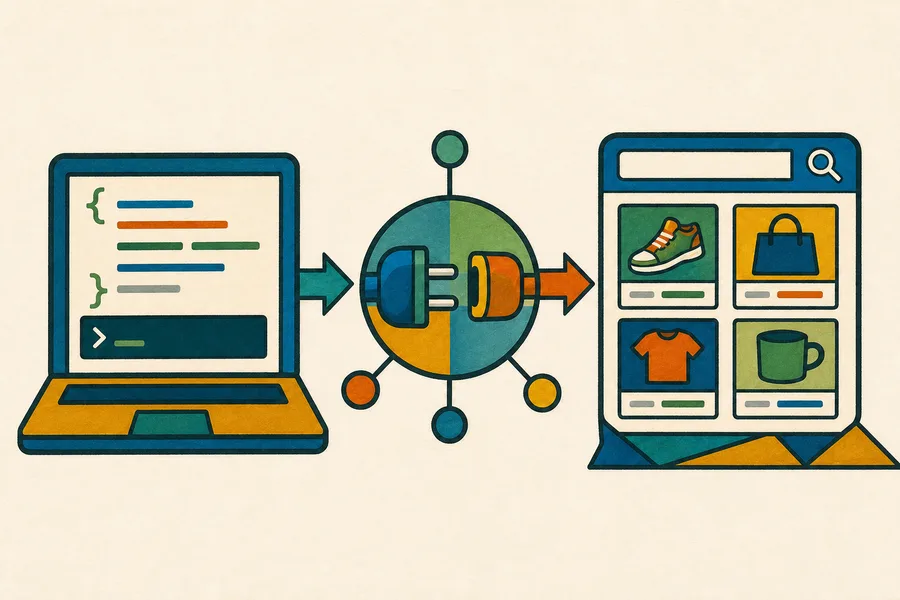
हाँ। आप on-site widget लोड किए बिना या अपने Shopify storefront के माध्यम से रिक्वेस्ट भेजे बिना, अपने स्वयं के बैकएंड से Shoply AI Search को प्रोग्रामेटिक तरीके से क्वेरी कर सकते हैं।
मानक search API हर उस Shopify plan जिसमें AI Search शामिल है के साथ उपलब्ध है, जिसमें Forever Free भी शामिल है। API requests उसी मासिक search allowance का उपयोग करती हैं जिसका उपयोग storefront widget के माध्यम से किए गए searches करते हैं। वर्तमान सीमाएँ हमारी pricing page पर देखें।
यदि आपको अधिक limits, service-level agreement, custom data source, या ऐसा integration चाहिए जो Shoply-indexed Shopify catalog का उपयोग नहीं करता हो, तो Enterprise plan के बारे में हमसे संपर्क करें।
शुरू करने से पहले
जिस Shopify store के catalog में आप search करना चाहते हैं, उस पर Shoply AI इंस्टॉल करें और initial product index पूरा होने दें। आपको store का permanent myshopify.com domain चाहिए होगा, जैसे:
your-store.myshopify.comAPI को किसी भी backend environment से कॉल किया जा सकता है। standard product-search endpoint के लिए अलग API key की आवश्यकता नहीं है क्योंकि यह वही public catalog information लौटाता है जिसे Shoply storefront search experience में दिखा सकता है।
Endpoint
POST https://api.shoplyai.ai/product_query_v2
Content-Type: application/json
Request Body
| फ़ील्ड | आवश्यक | विवरण |
|---|---|---|
store_key | हाँ | आपके store का permanent myshopify.com domain |
query | हाँ | एक JSON-encoded string जिसमें कम से कम एक keywords फ़ील्ड हो |
start | नहीं | pagination के लिए zero-based result offset; डिफ़ॉल्ट 0 है |
limit | नहीं | लौटाए जाने वाले products की अधिकतम संख्या; डिफ़ॉल्ट 4 है |
query, request body के अंदर एक JSON string है, nested JSON object नहीं। उदाहरण के लिए, search phrase waterproof hiking boots इस प्रकार भेजा जाता है:
"{\"keywords\":\"waterproof hiking boots\"}"cURL उदाहरण
your-store.myshopify.com को अपने store के permanent Shopify domain से बदलें:
curl --request POST "https://api.shoplyai.ai/product_query_v2" \
  --header "Content-Type: application/json" \
  --data '{
    "store_key": "your-store.myshopify.com",
    "query": "{\"keywords\":\"waterproof hiking boots\"}",
    "start": 0,
    "limit": 8
  }'
JavaScript उदाहरण
// Build the inner query separately because the API expects it as a JSON-encoded string.
const searchQuery = JSON.stringify({
  keywords: "waterproof hiking boots"
});

const response = await fetch("https://api.shoplyai.ai/product_query_v2", {
  method: "POST",
  headers: {
    "Content-Type": "application/json"
  },
  body: JSON.stringify({
    store_key: "your-store.myshopify.com",
    query: searchQuery,
    start: 0,
    limit: 8
  })
});

if (!response.ok) {
  throw new Error(`Shoply search failed with status ${response.status}`);
}

const results = await response.json();
console.log(results.docs);
Python उदाहरण
import json
import requests

# The query value is encoded separately to match Shoply's structured search contract.
payload = {
    "store_key": "your-store.myshopify.com",
    "query": json.dumps({"keywords": "waterproof hiking boots"}),
    "start": 0,
    "limit": 8,
}

response = requests.post(
    "https://api.shoplyai.ai/product_query_v2",
    json=payload,
    timeout=30,
)
response.raise_for_status()

results = response.json()
print(results["docs"])
Response
एक सफल request यह लौटाती है:
{
  "num_results": 2,
  "docs": [
    {
      "product_id": "gid://shopify/Product/1234567890",
      "url": "https://your-store.example/products/example-product",
      "product_name": "Example Product",
      "brand": "Example Brand",
      "current_price": "129.00",
      "currency": "USD",
      "main_image": "https://cdn.shopify.com/example-product.jpg",
      "selected_variant_id": "gid://shopify/ProductVariant/1234567891"
    }
  ],
  "display_filters": []
}num_resultsमेल खाने वाले products की कुल संख्या है।docsमें अनुरोधित page के लिए ranked products होते हैं।display_filtersमें उपलब्ध filters होते हैं, जैसे price, brand, color, या अन्य catalog-specific attributes।
Product objects में store के catalog, variants, pricing, और Shoply configuration के आधार पर अतिरिक्त fields हो सकती हैं। Clients को जिन fields की आवश्यकता हो उनका उपयोग करना चाहिए और अपरिचित fields को सुरक्षित रूप से नज़रअंदाज़ करना चाहिए।
Pagination
अतिरिक्त results प्राप्त करने के लिए start और limit का उपयोग करें। उदाहरण के लिए, start: 0 और limit: 8 के साथ आठ products का अनुरोध करने के बाद, अगला page इस प्रकार अनुरोध करें:
{
  "start": 8,
  "limit": 8
}
जब start + docs.length, num_results से बड़ा या उसके बराबर हो जाए, या जब docs खाली हो, तब रुक जाएँ।
Plan और Integration Notes
यदि आपके custom storefront को conversation की भी आवश्यकता है, तो headless Shopify storefront में chat जोड़ें।
- Standard API search self-service है और on-site widget की आवश्यकता नहीं होती।
- आपका Shopify store Shoply AI से connected रहना चाहिए ताकि उसका product index अद्यतन बना रहे।
- API searches और storefront searches आपके Shopify plan के मासिक search allowance को साझा करते हैं।
- यदि आप caching, logging, retries, या access control को केंद्रीकृत करना चाहते हैं, तो call को अपने backend पर रखें।
- यदि आपको custom authentication, guaranteed throughput, एक SLA, non-Shopify catalog, या प्रकाशित plans से अधिक limits चाहिए, तो Enterprise support के लिए हमसे संपर्क करें।
अपने store key की पुष्टि करने या production integration की योजना बनाने में सहायता के लिए, Shoply AI से संपर्क करें।